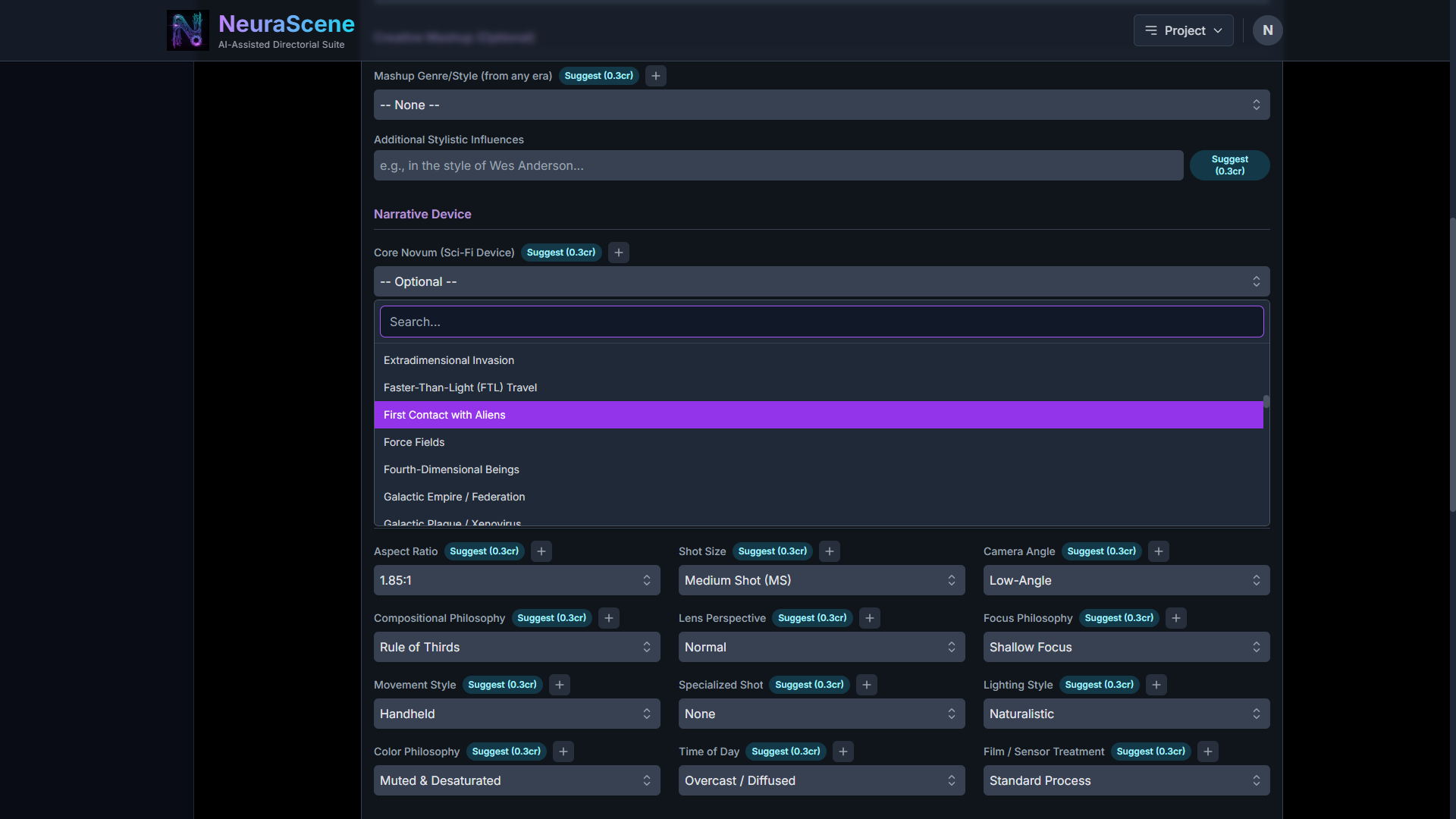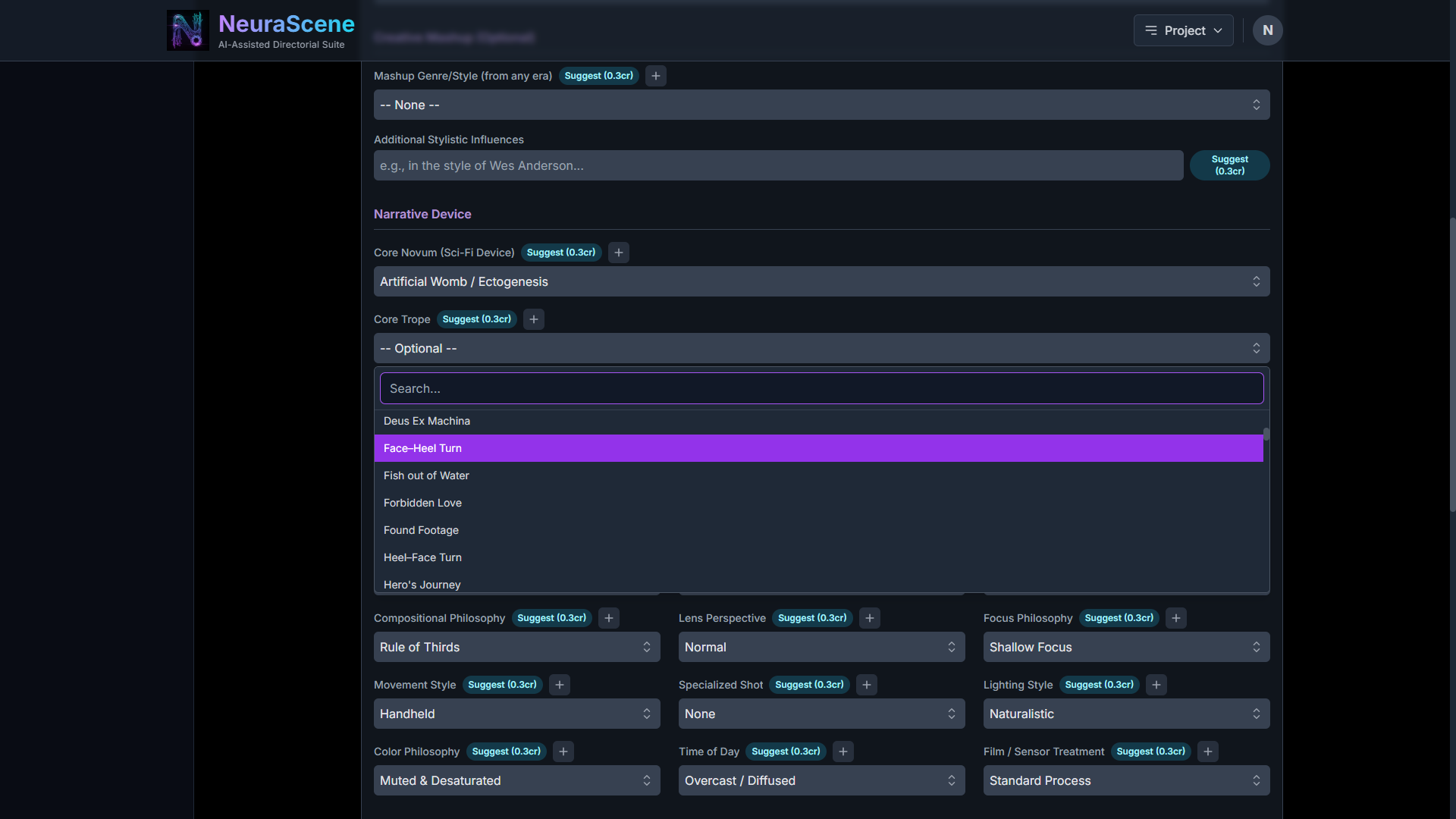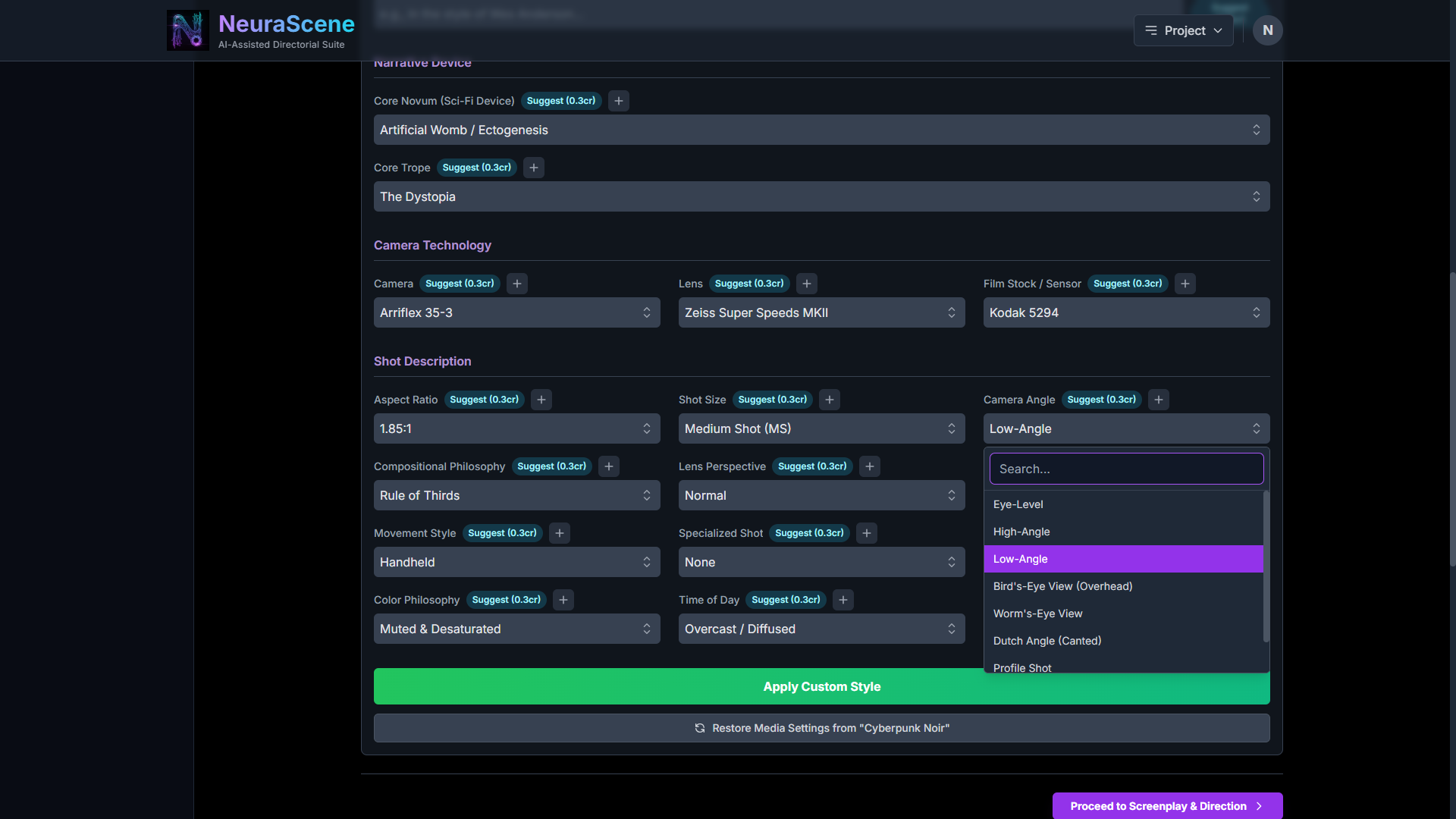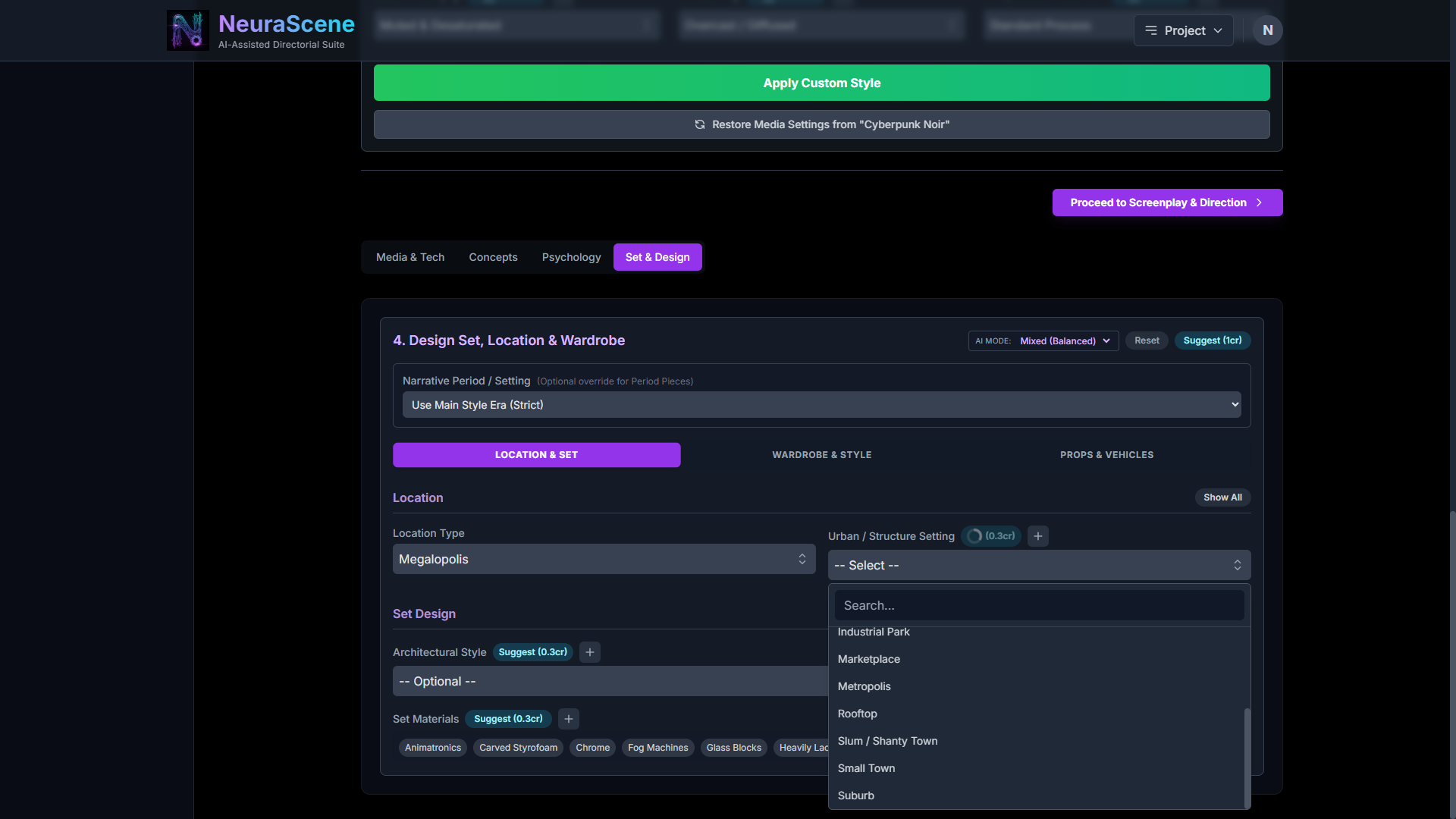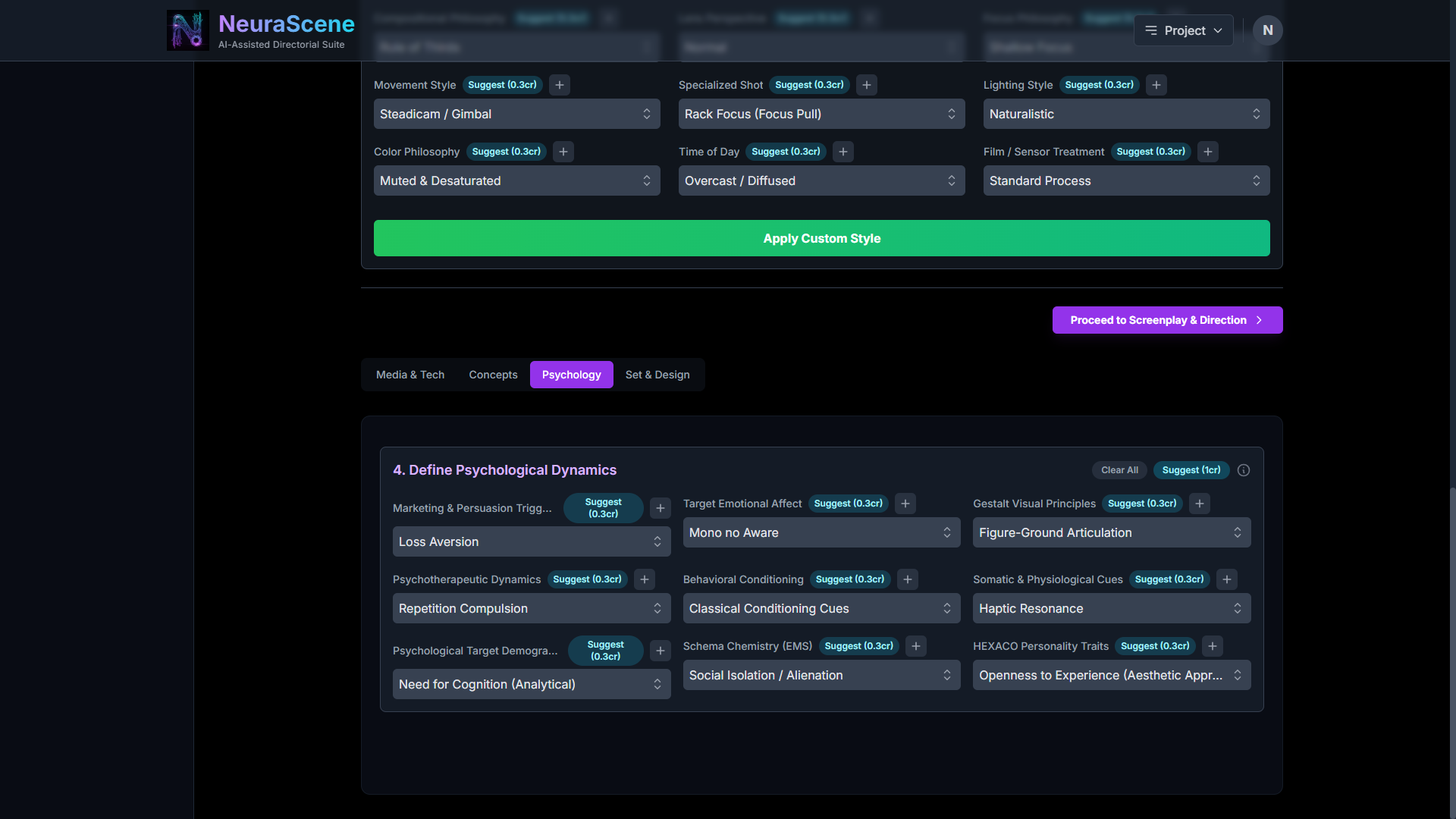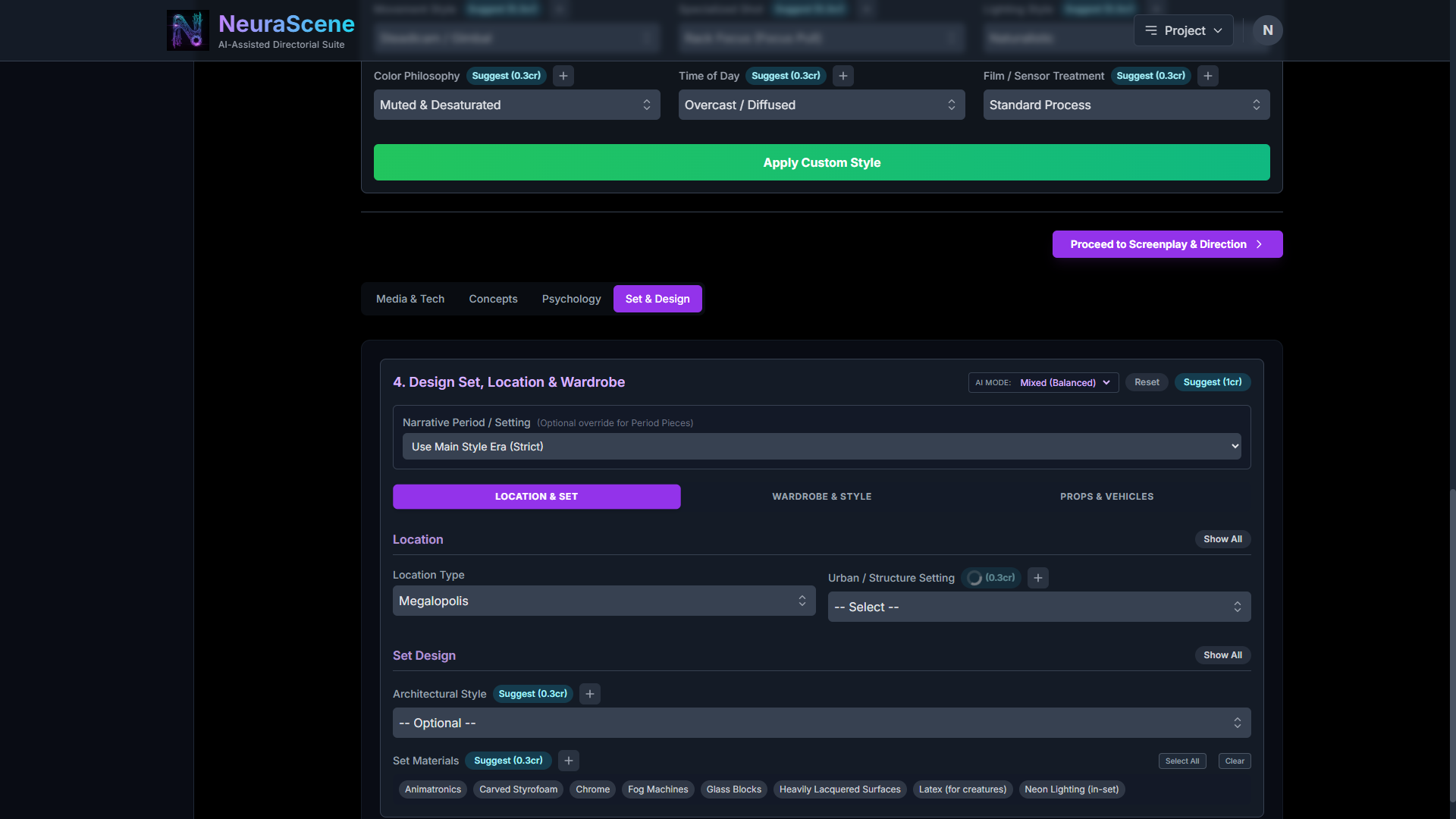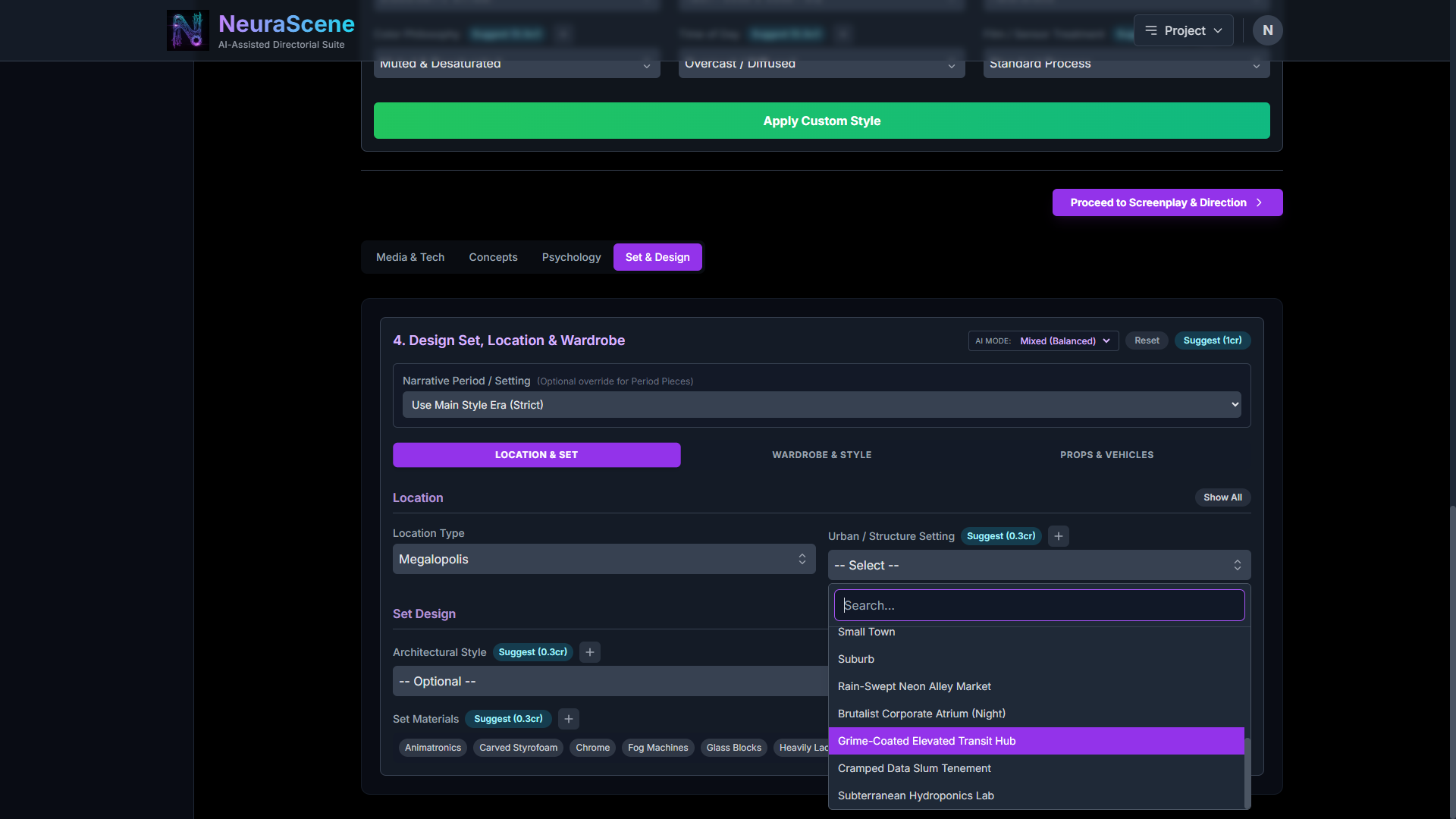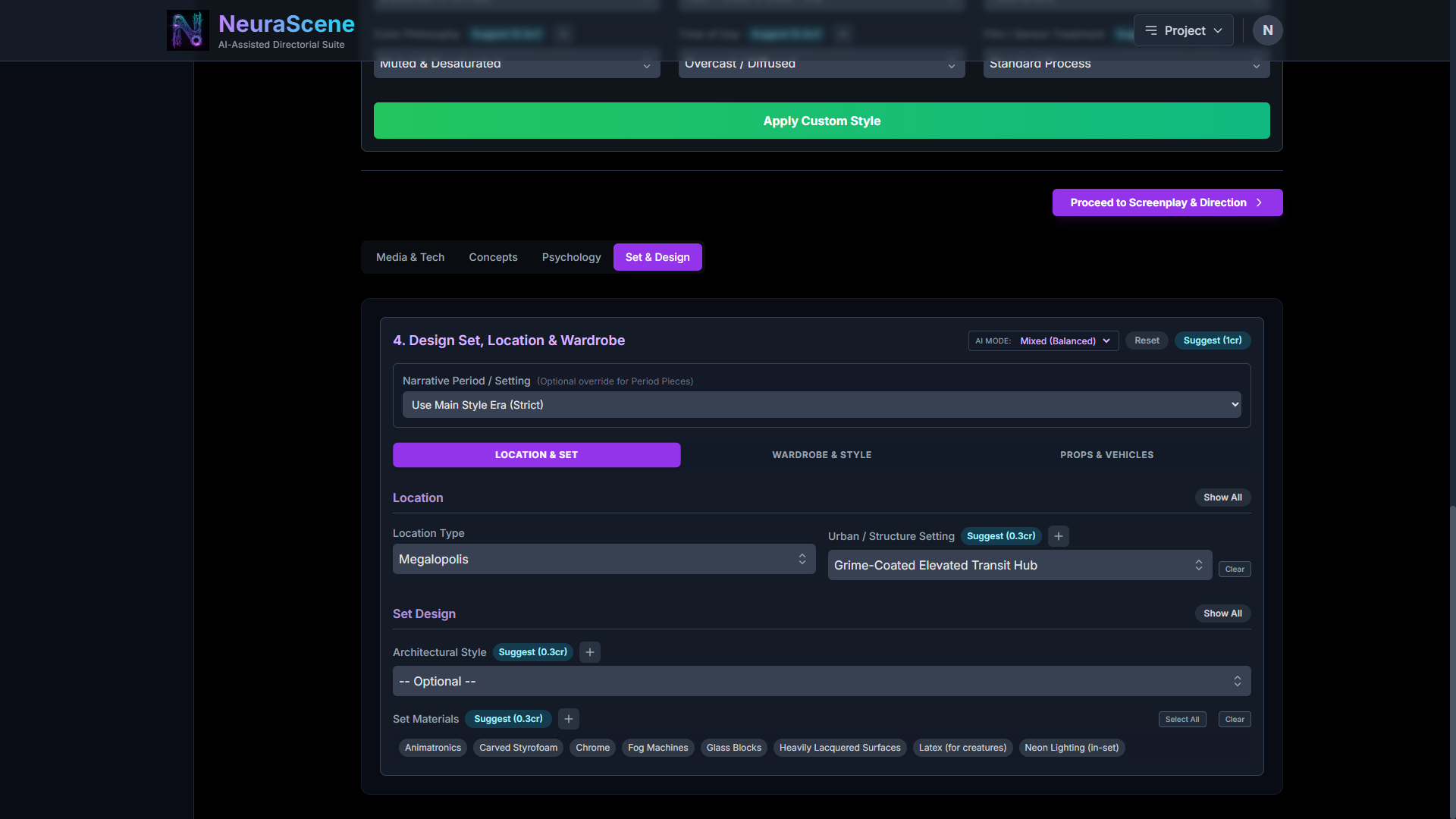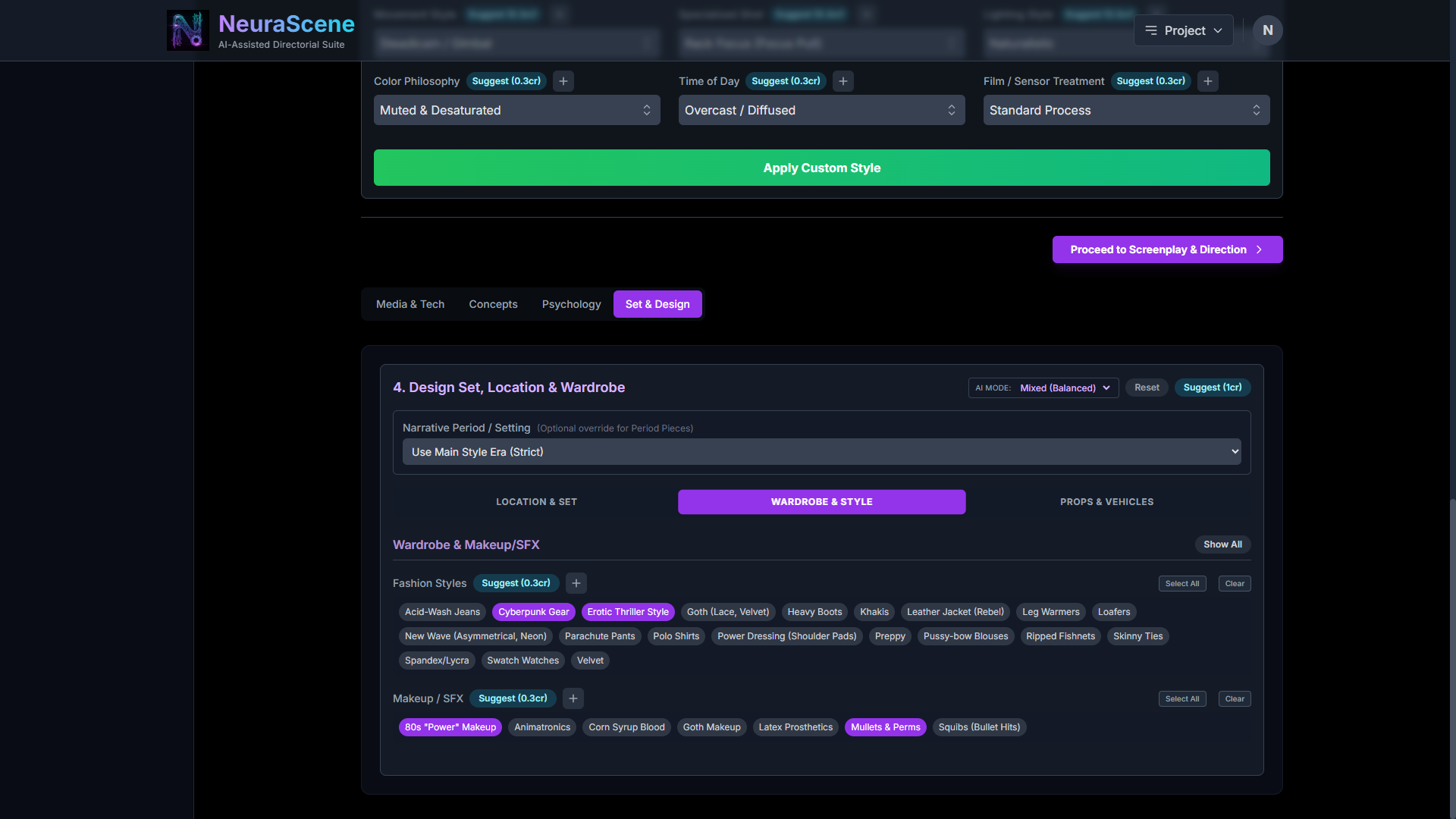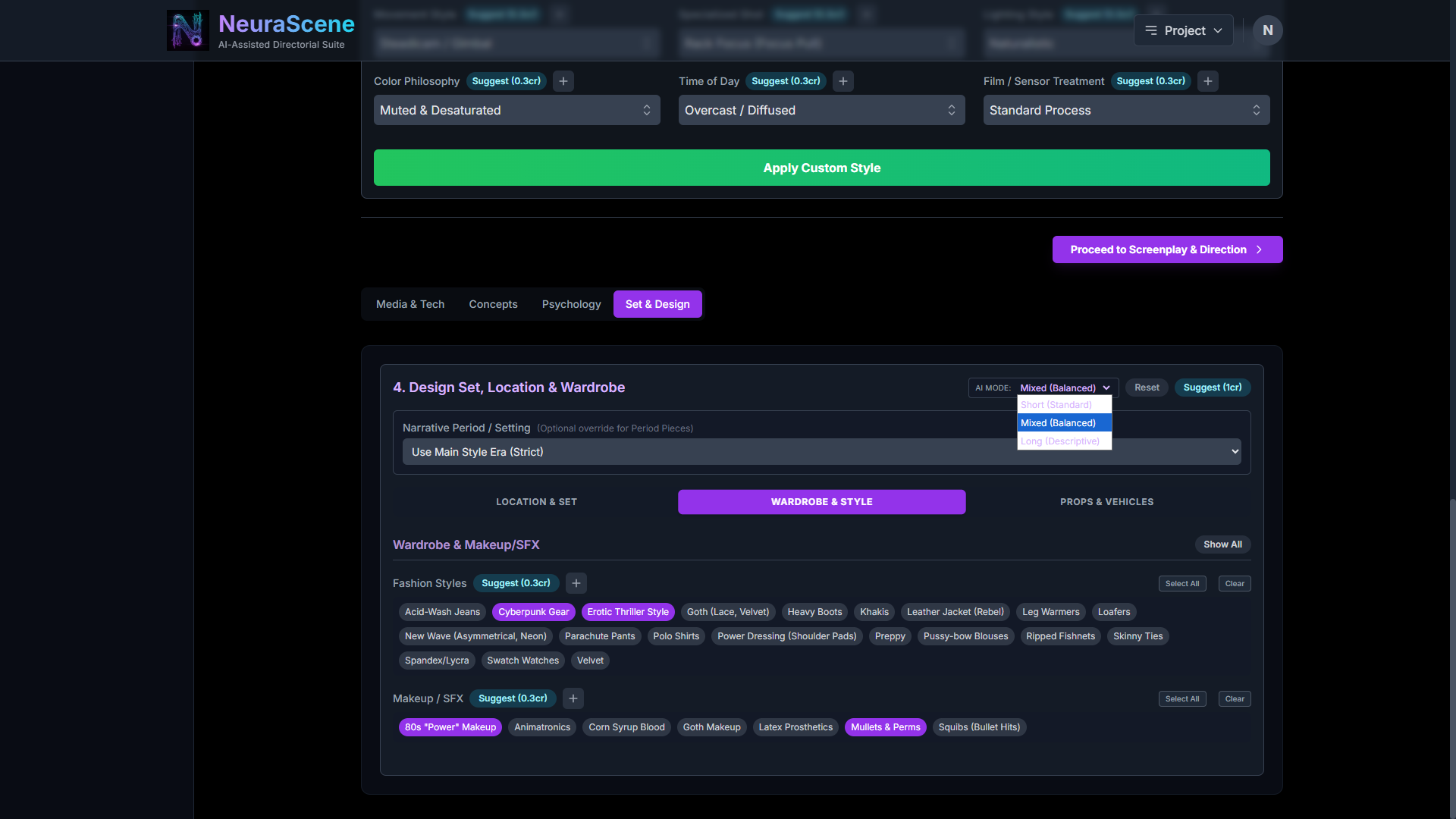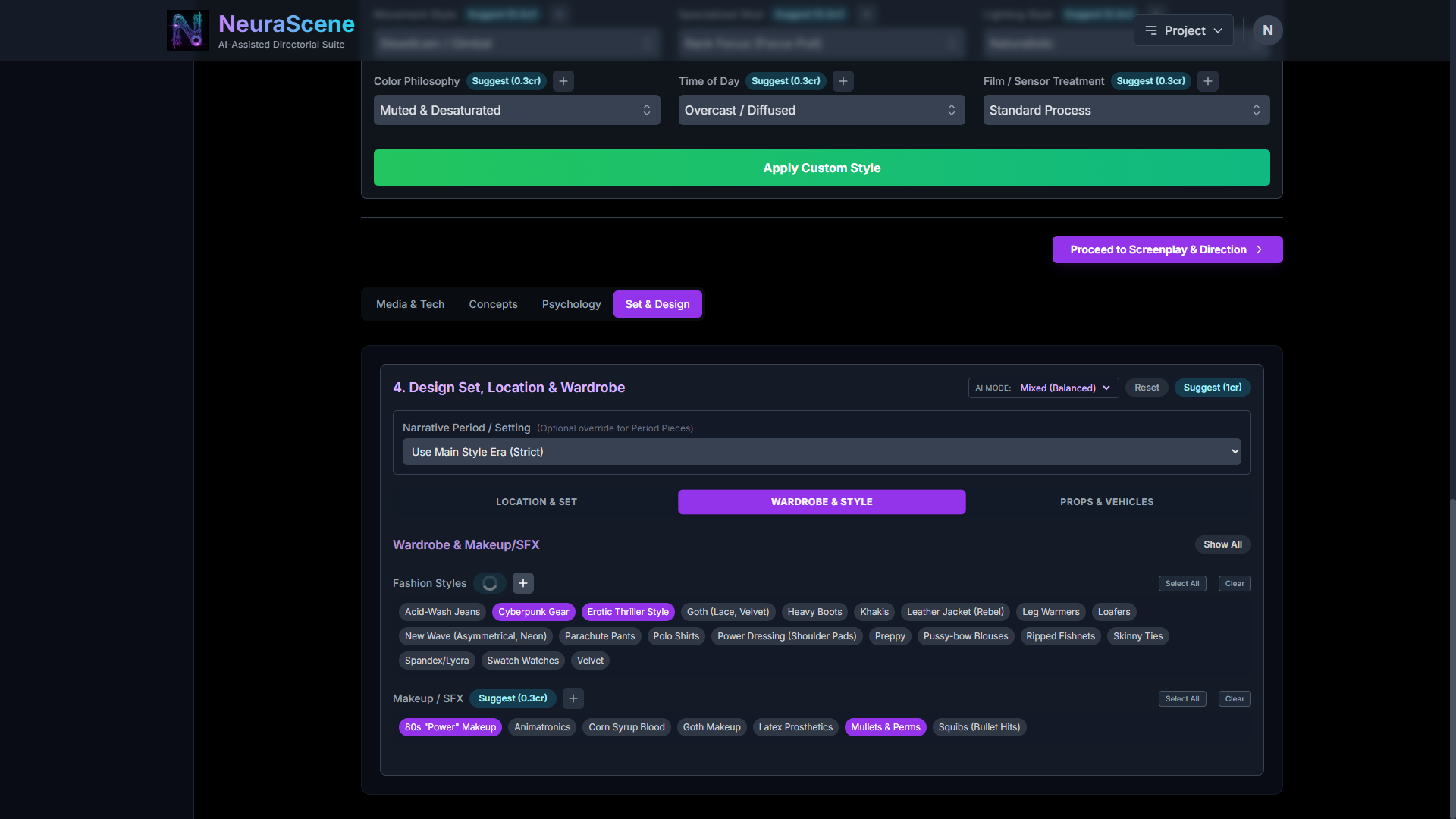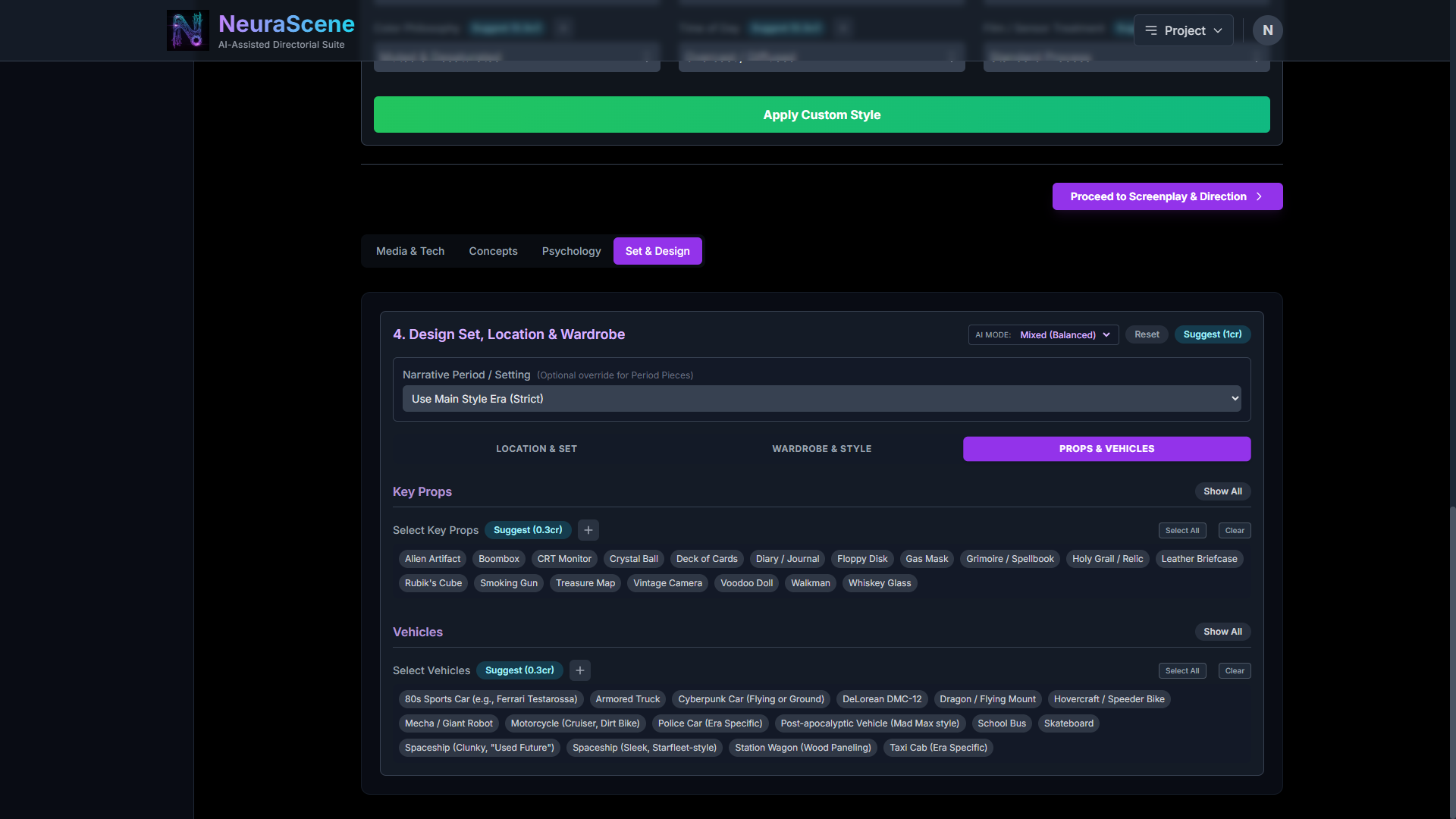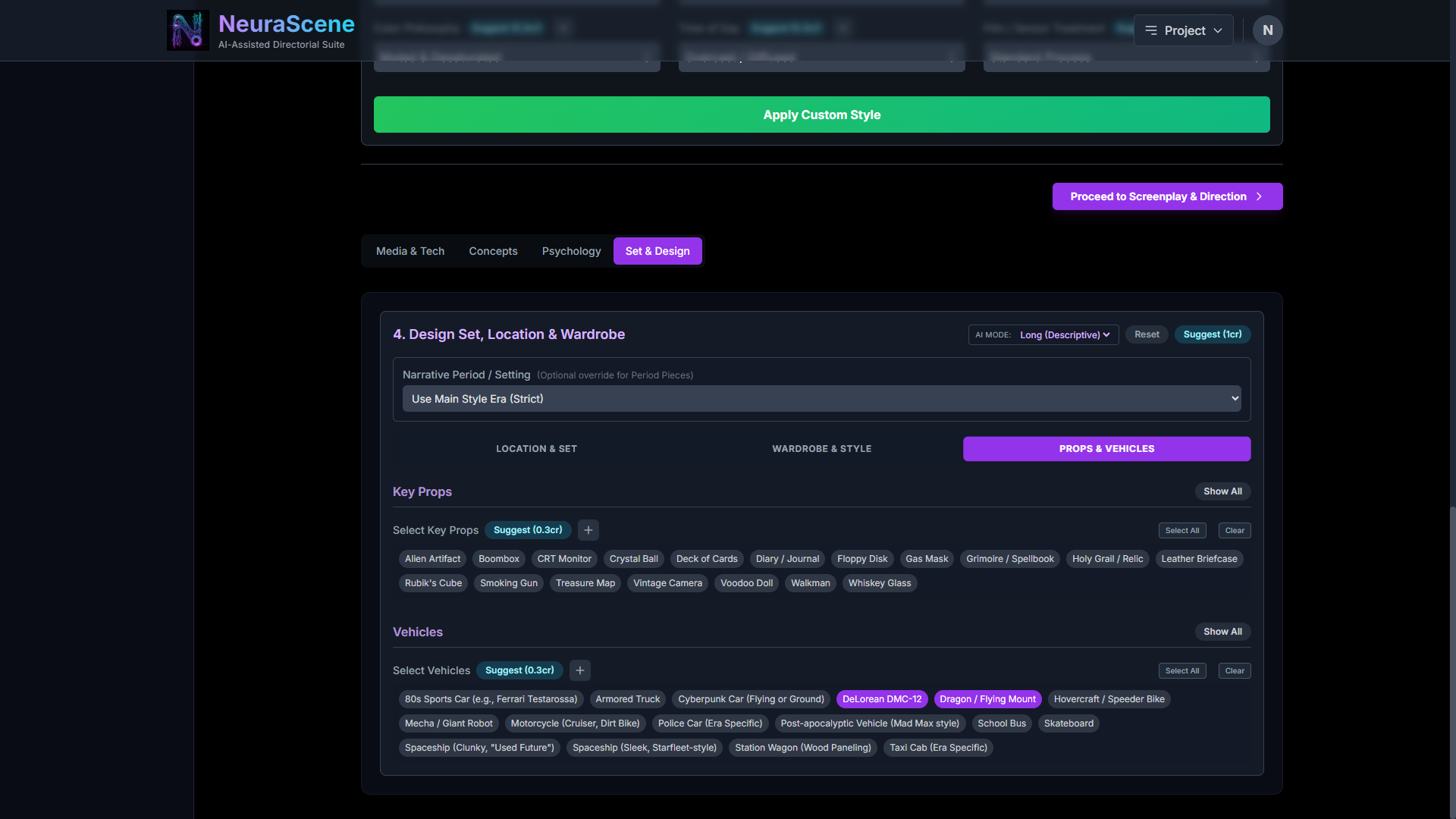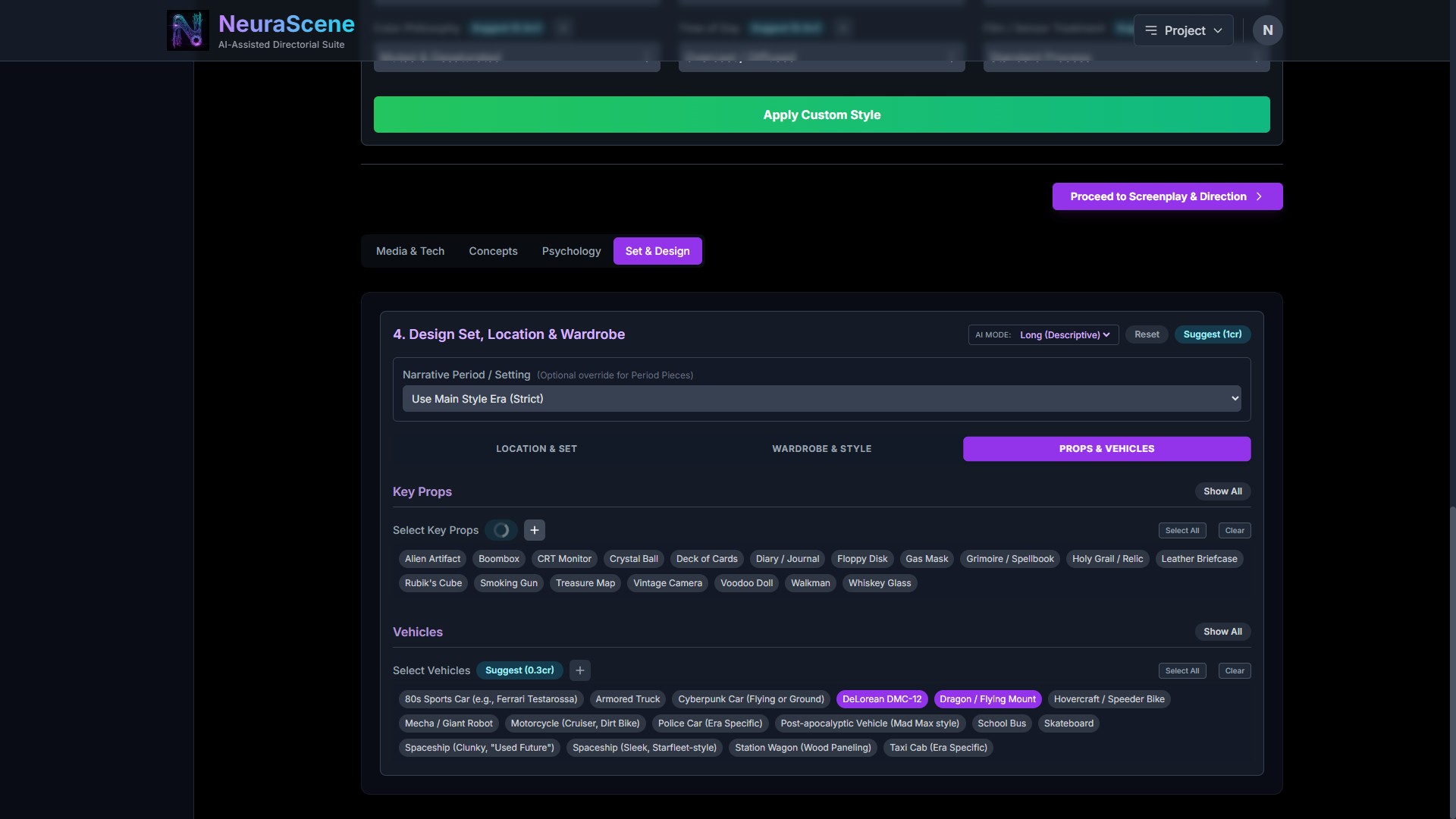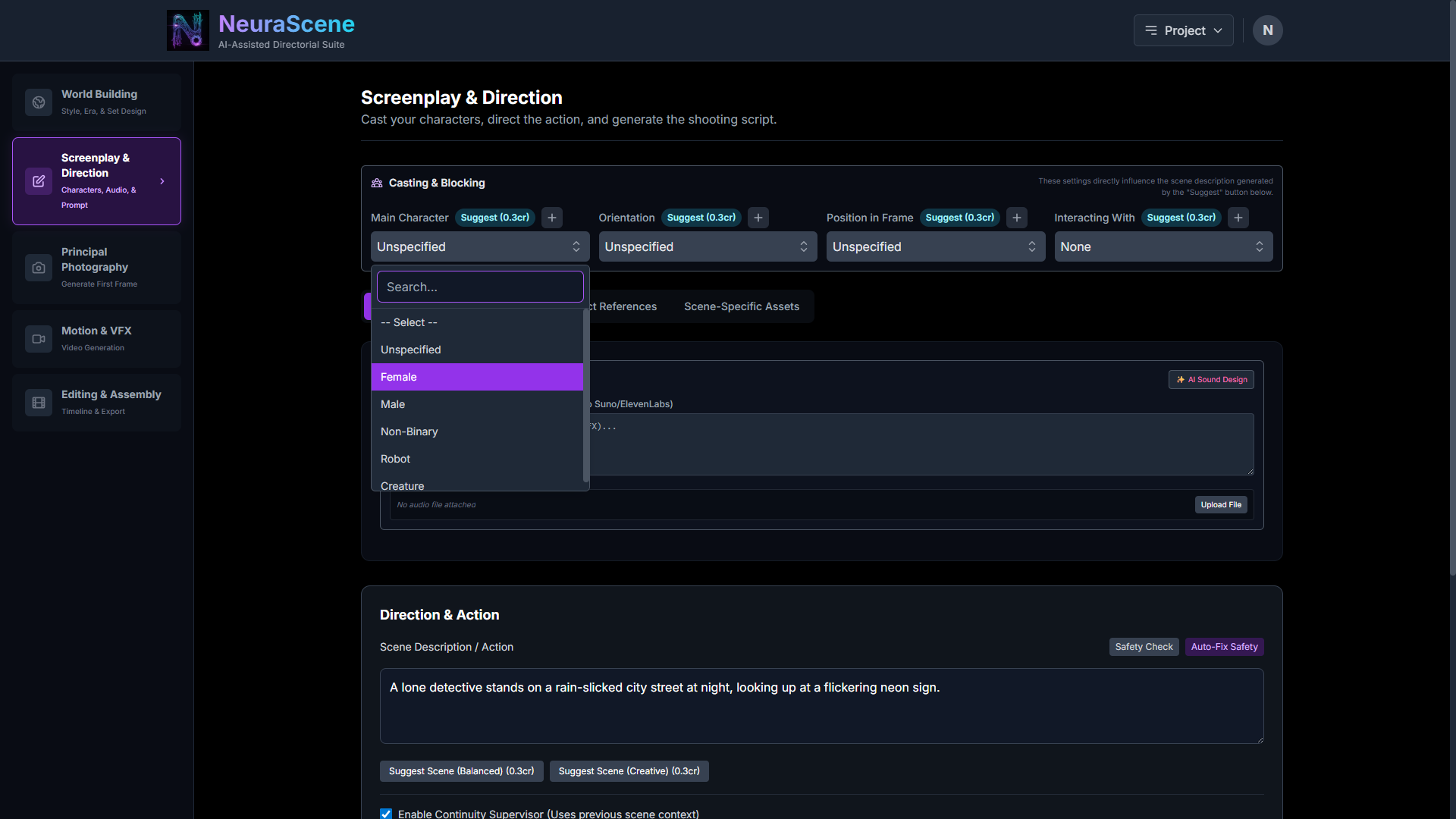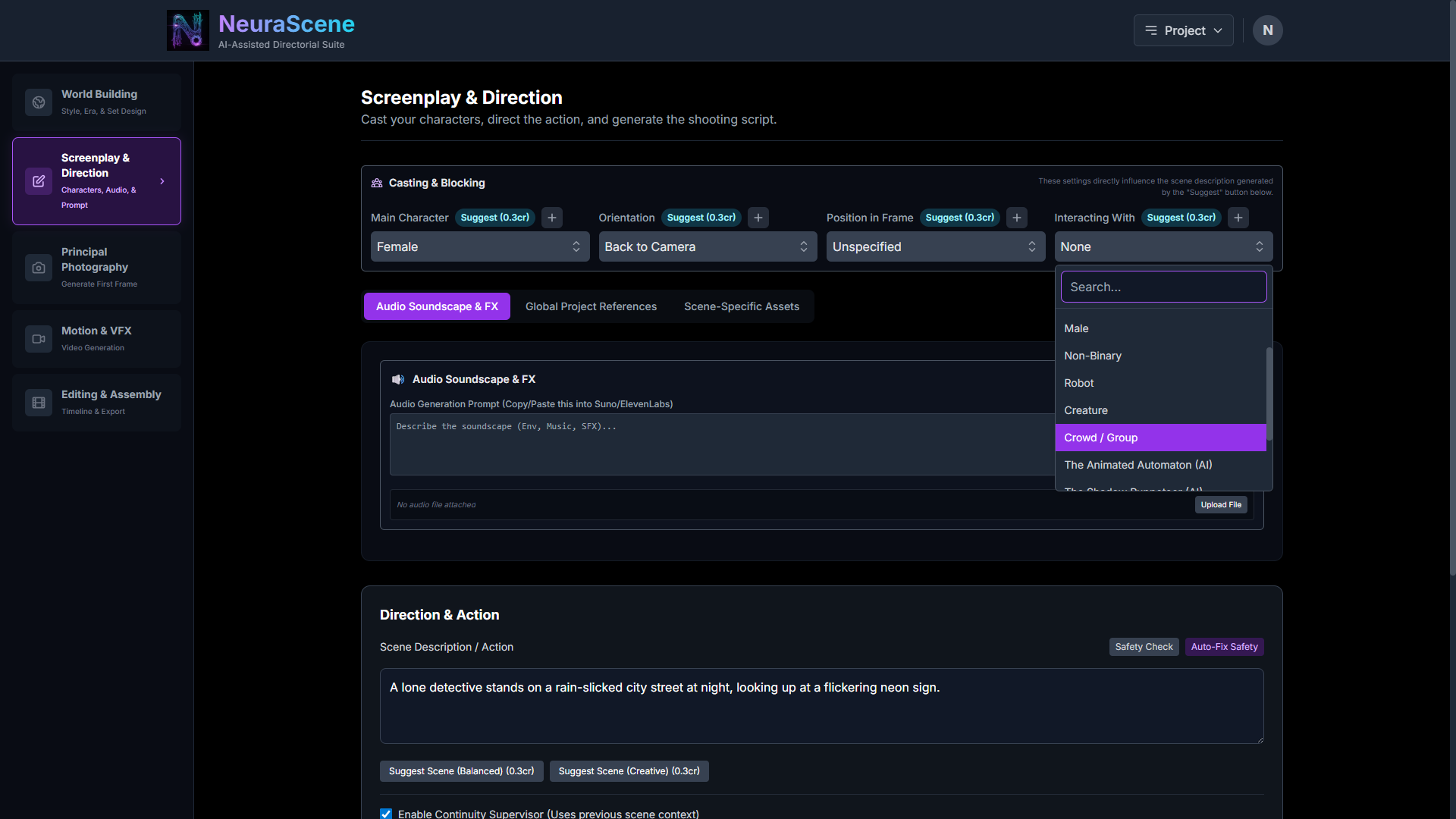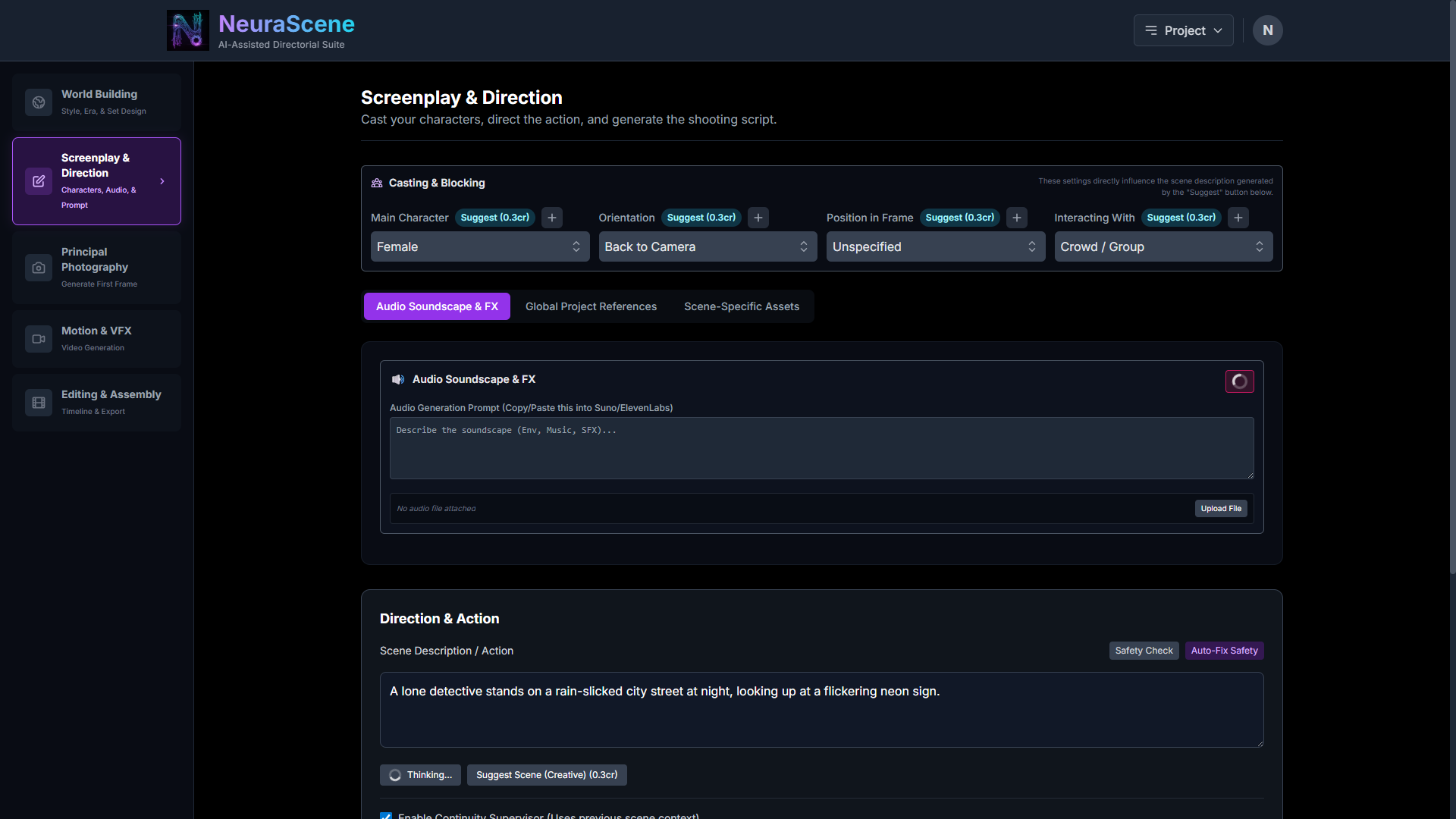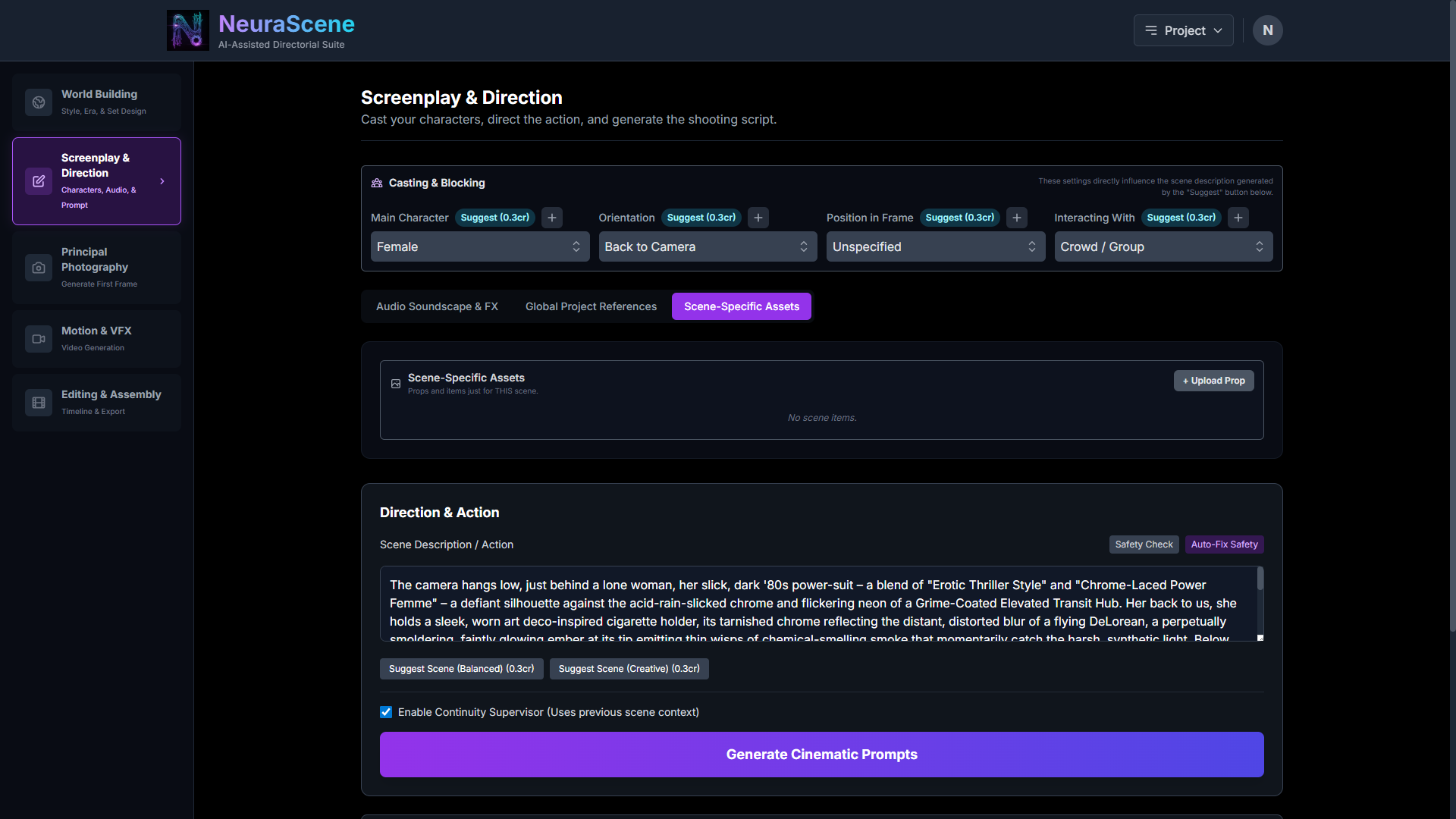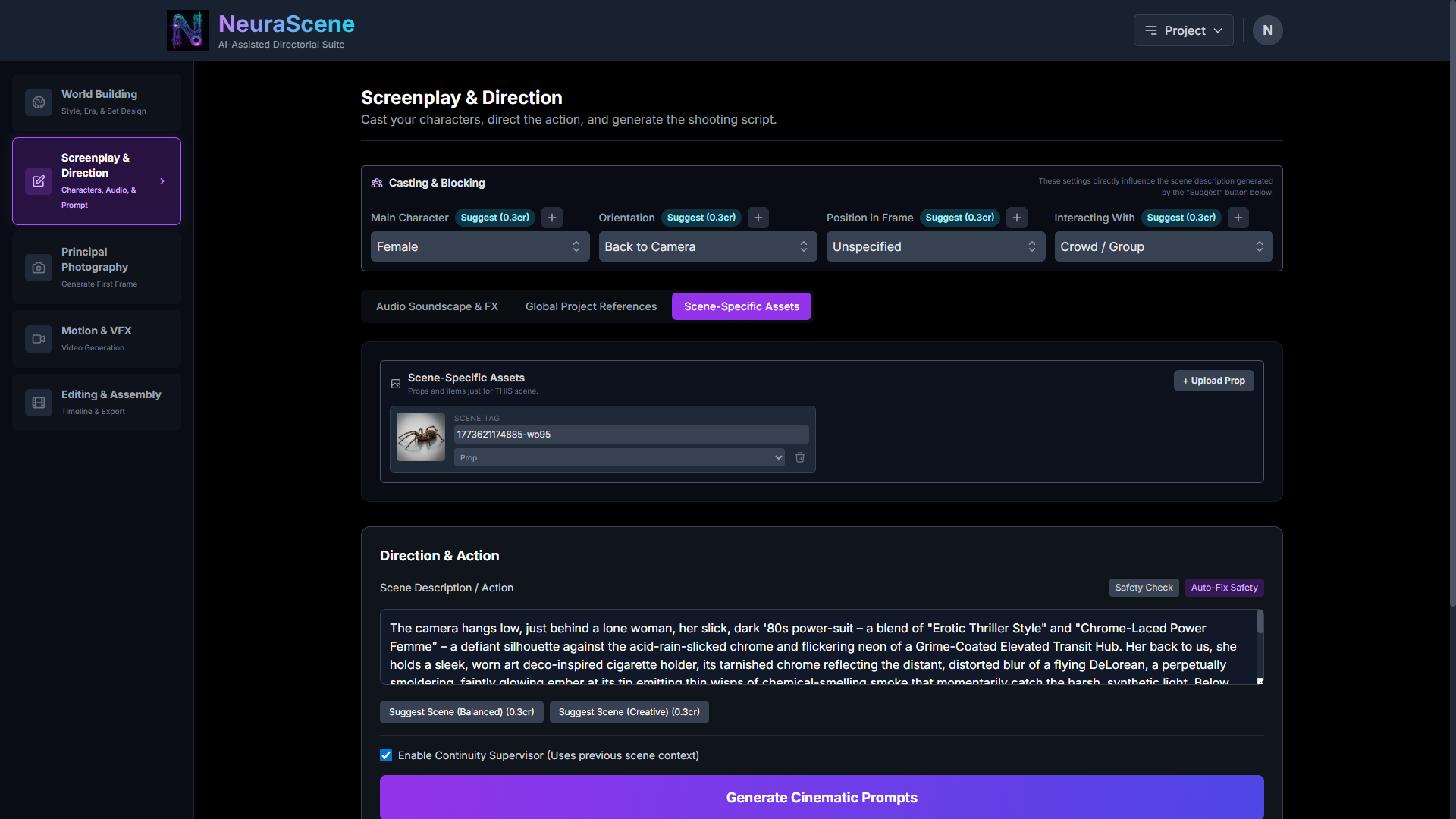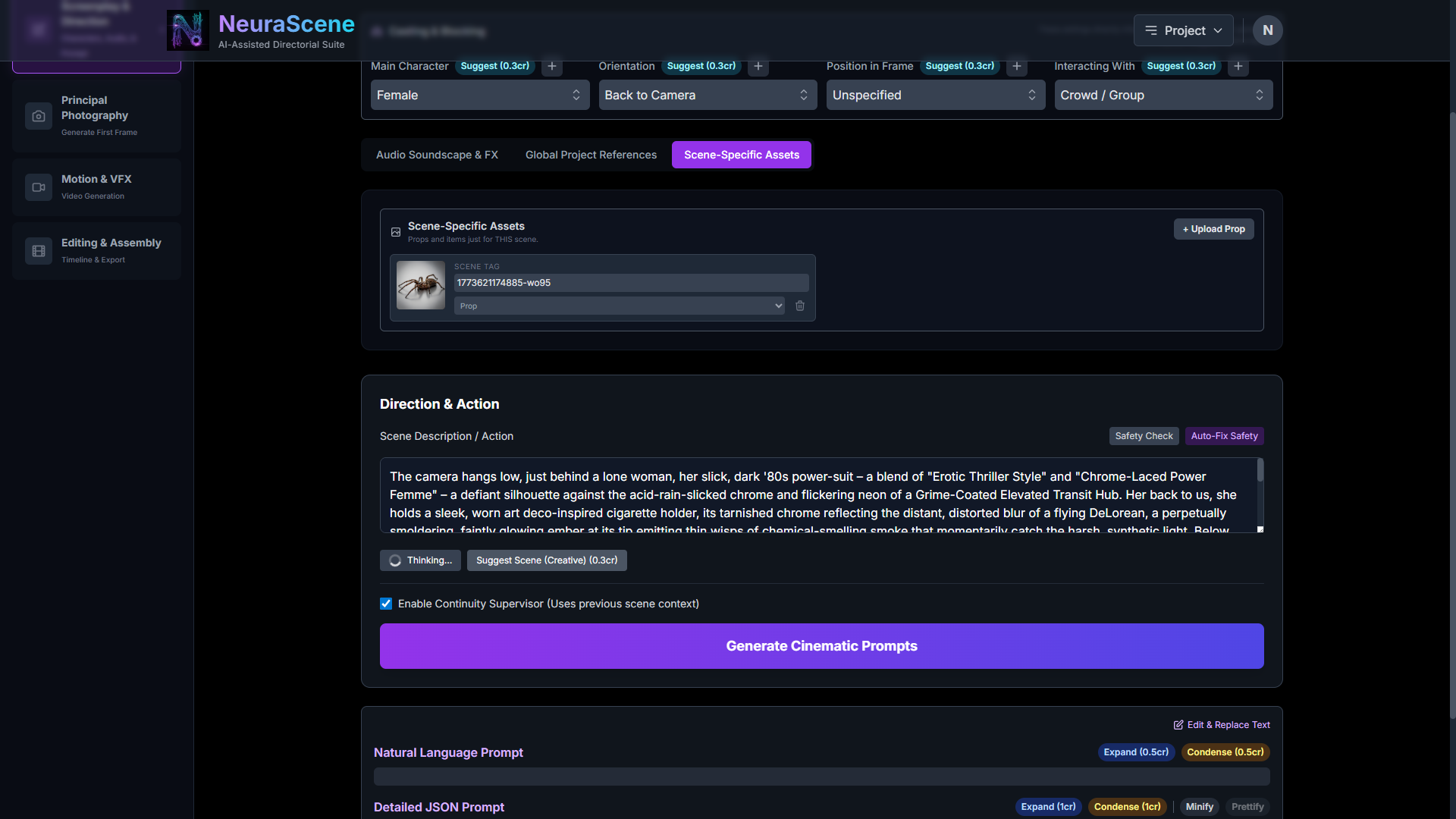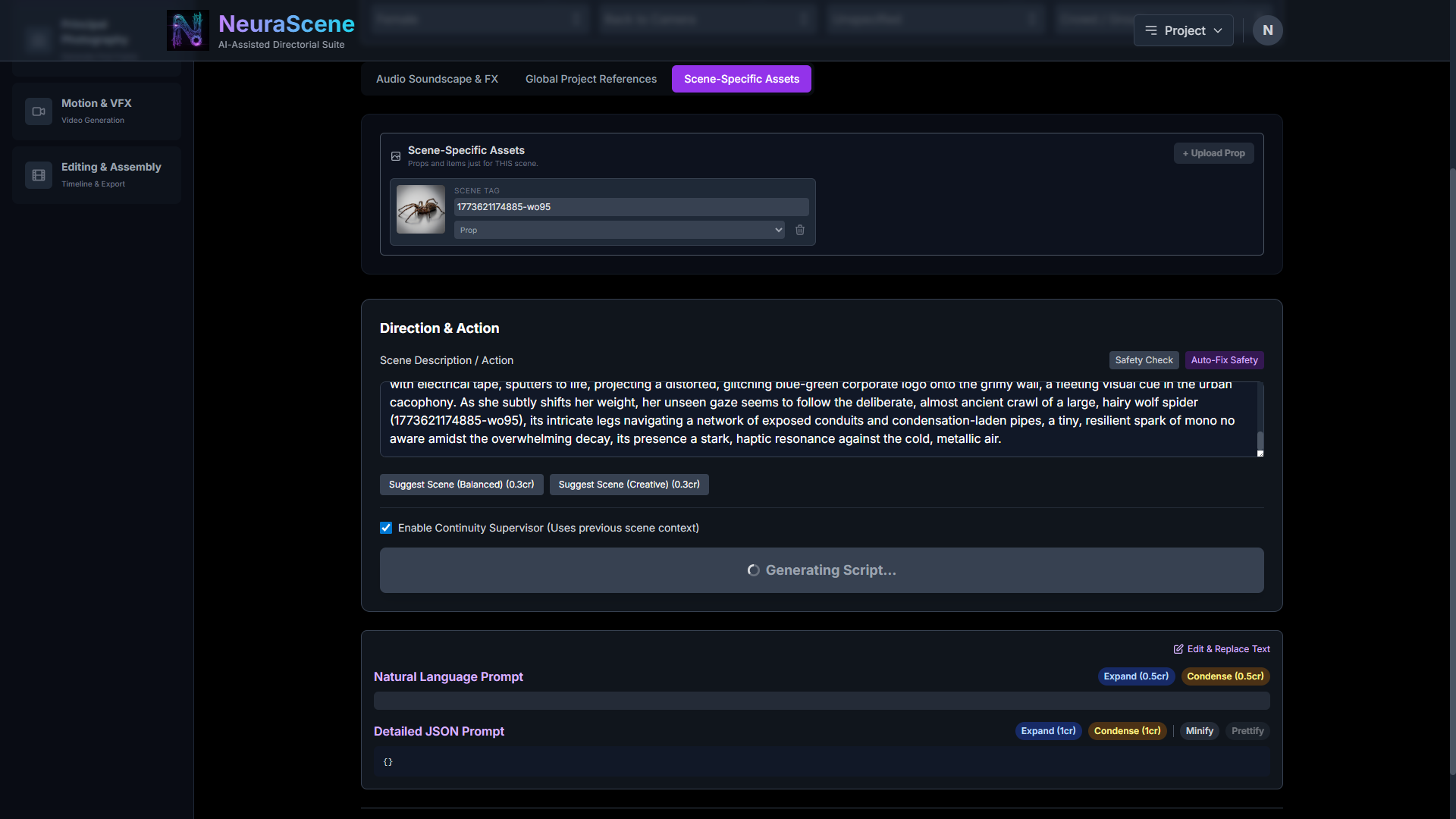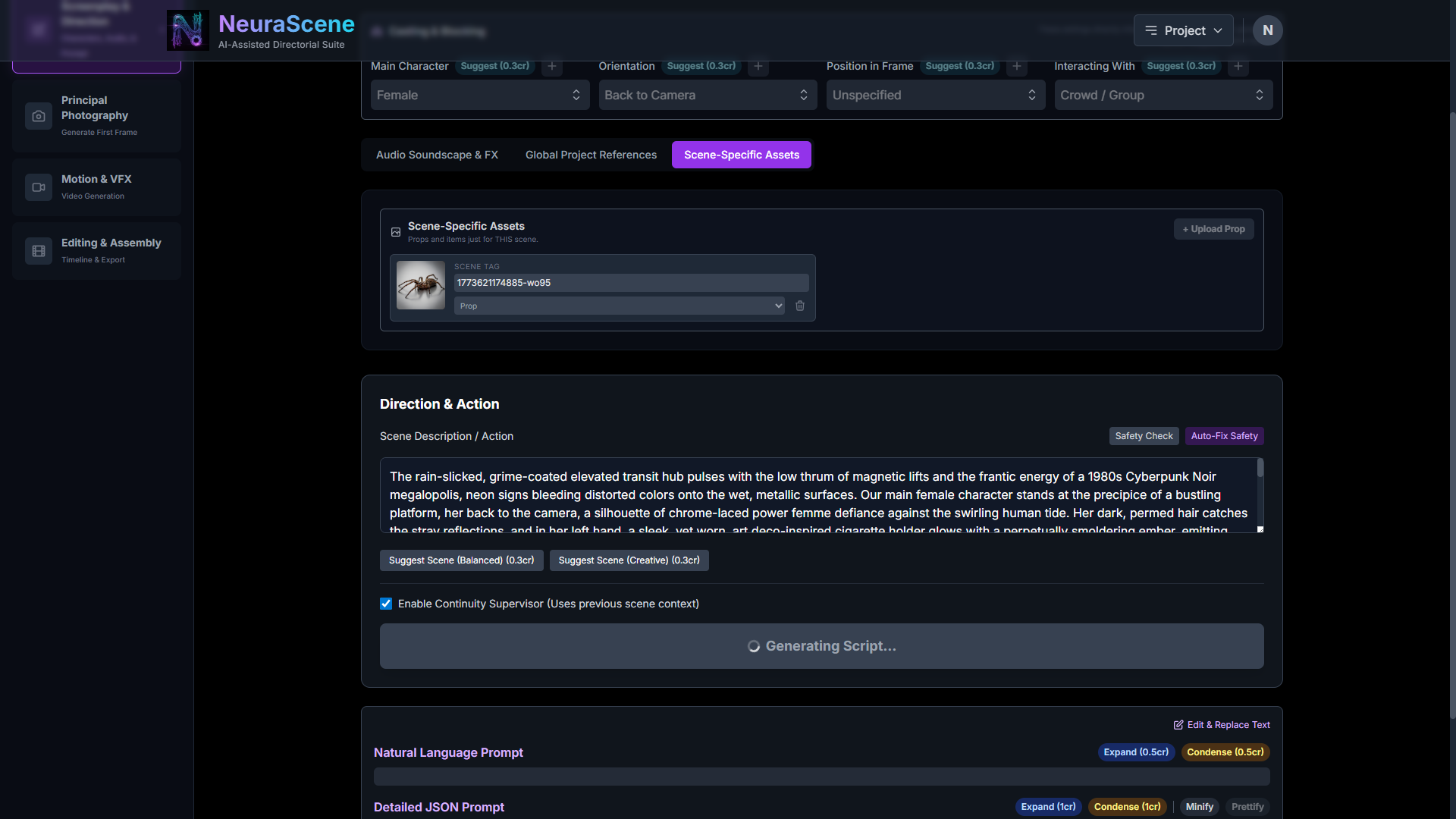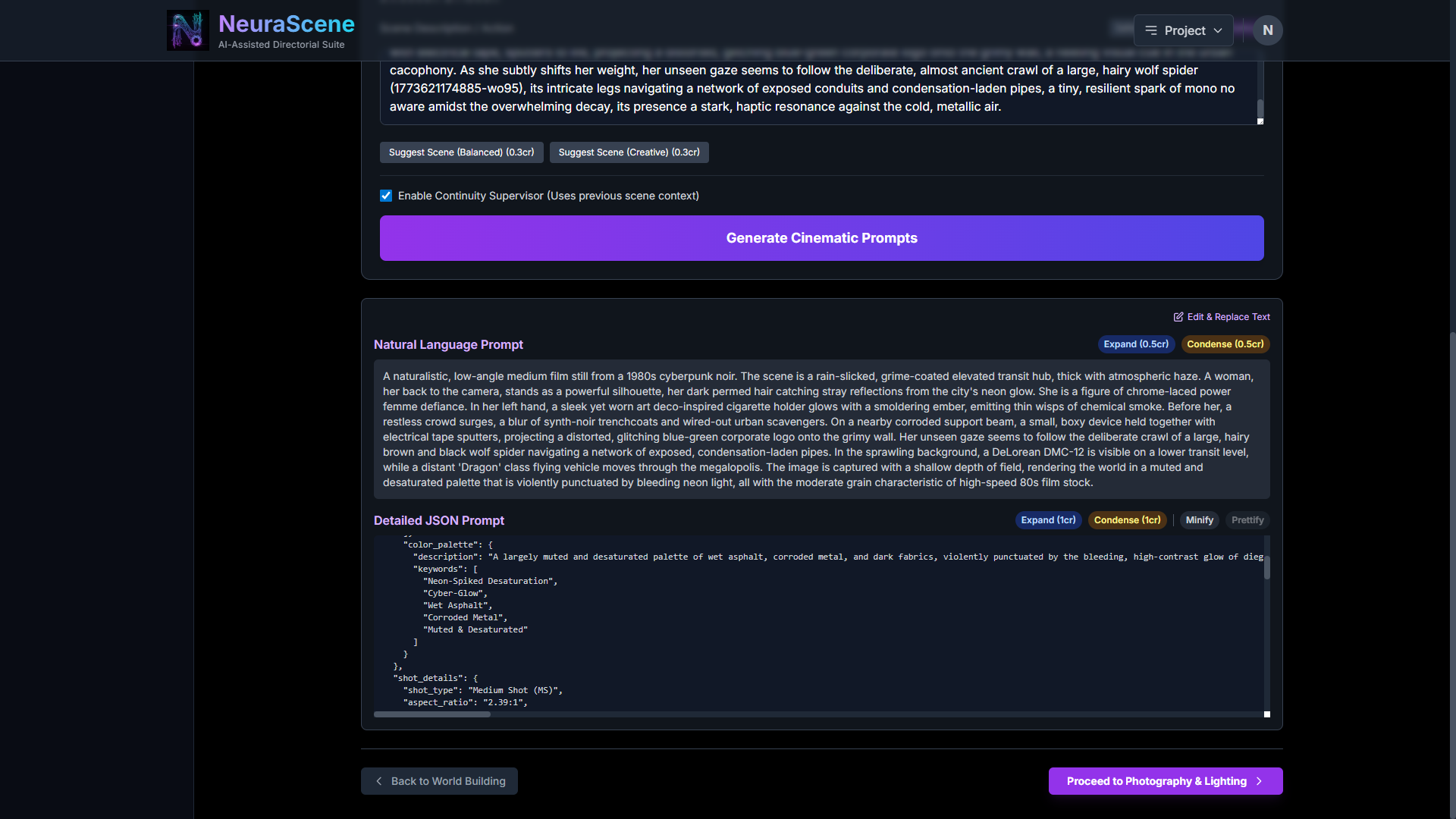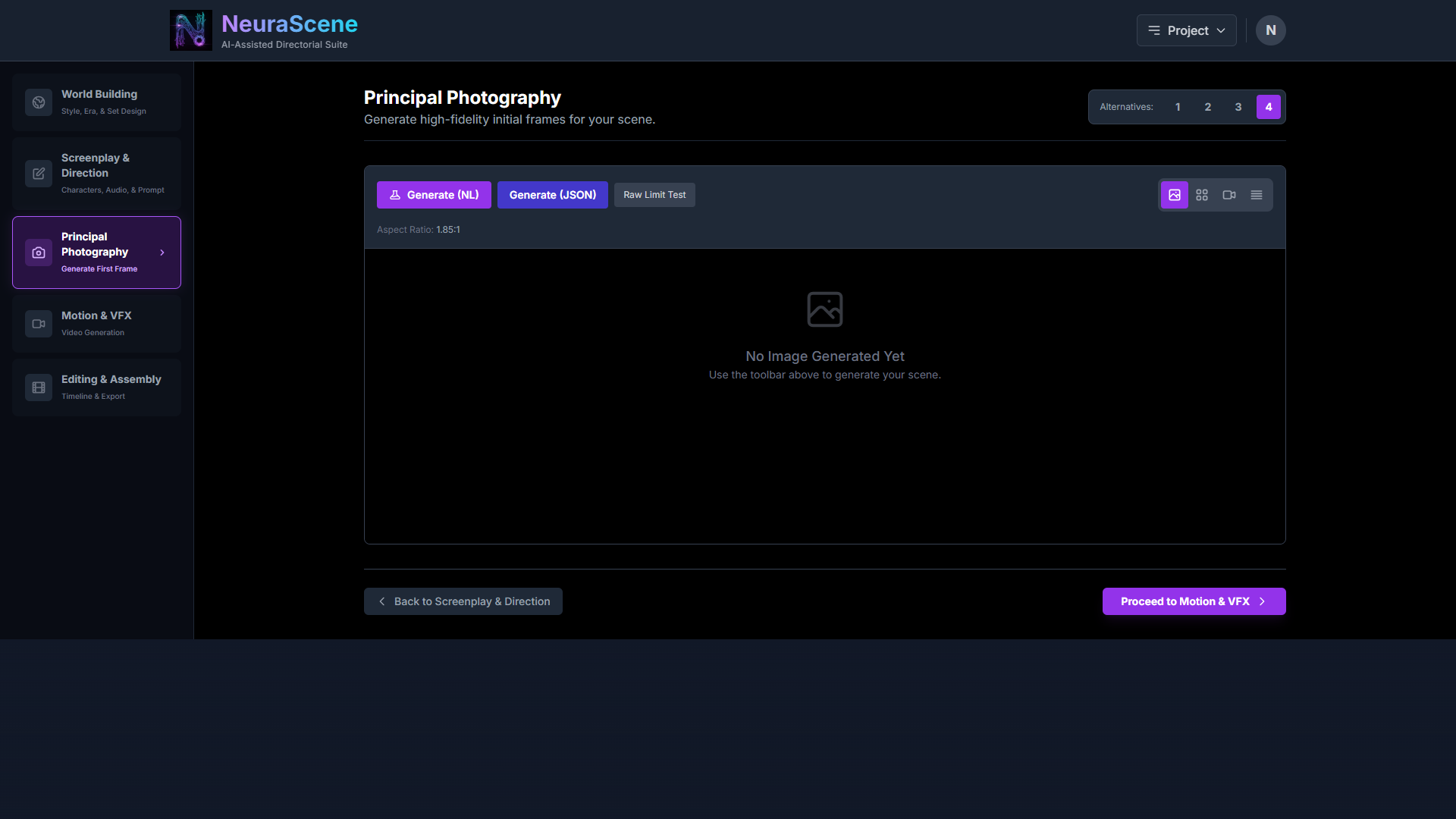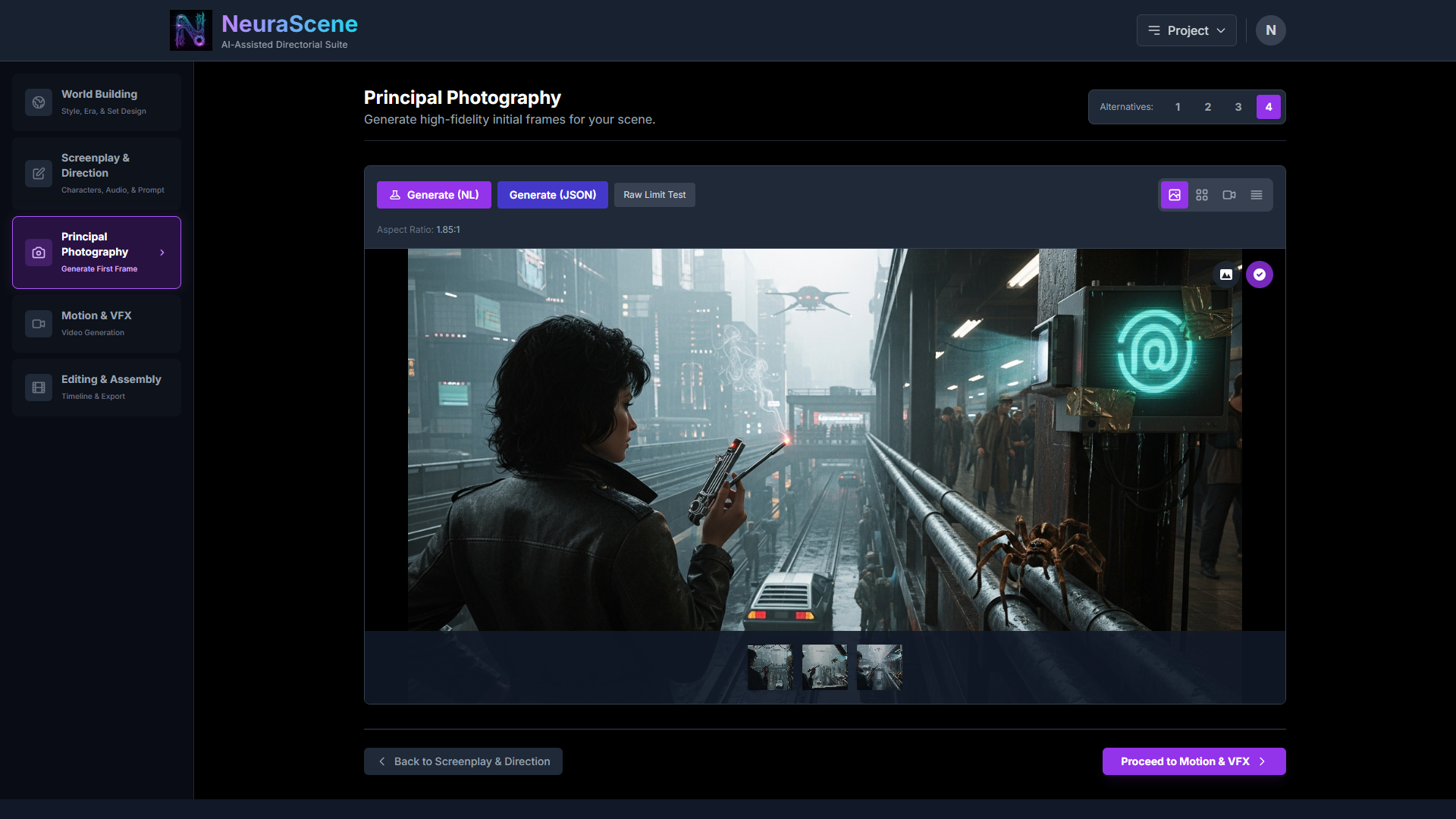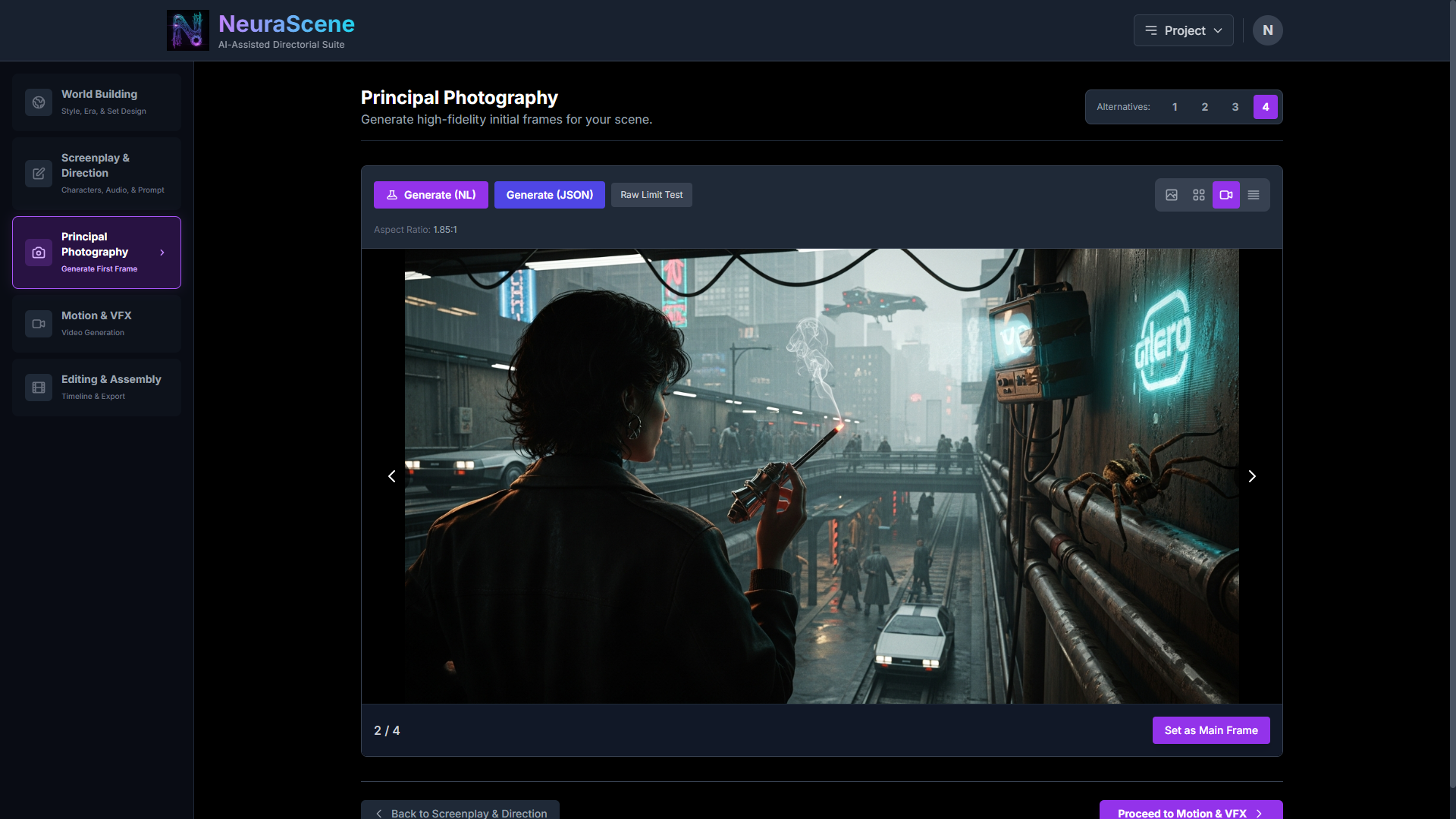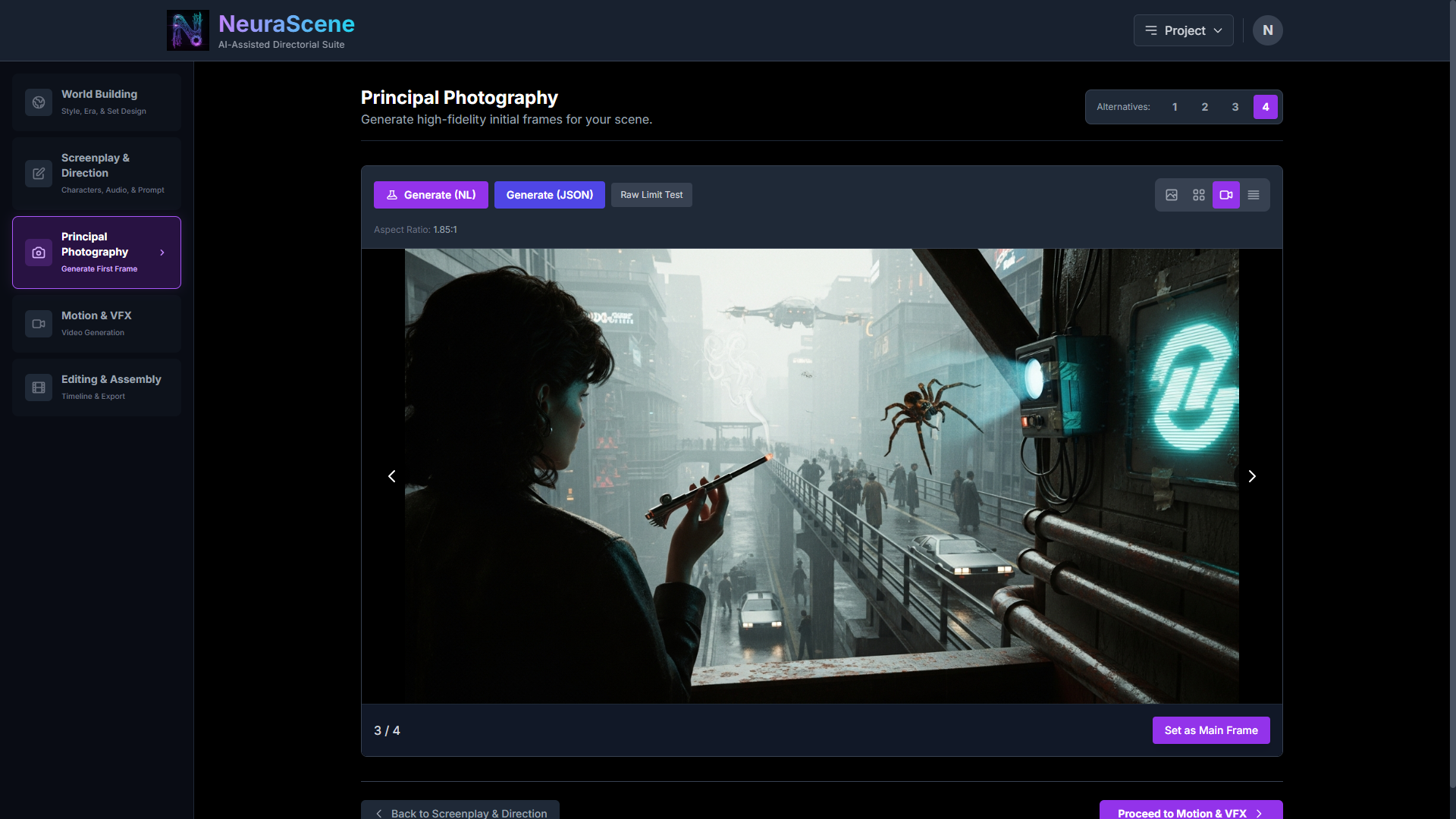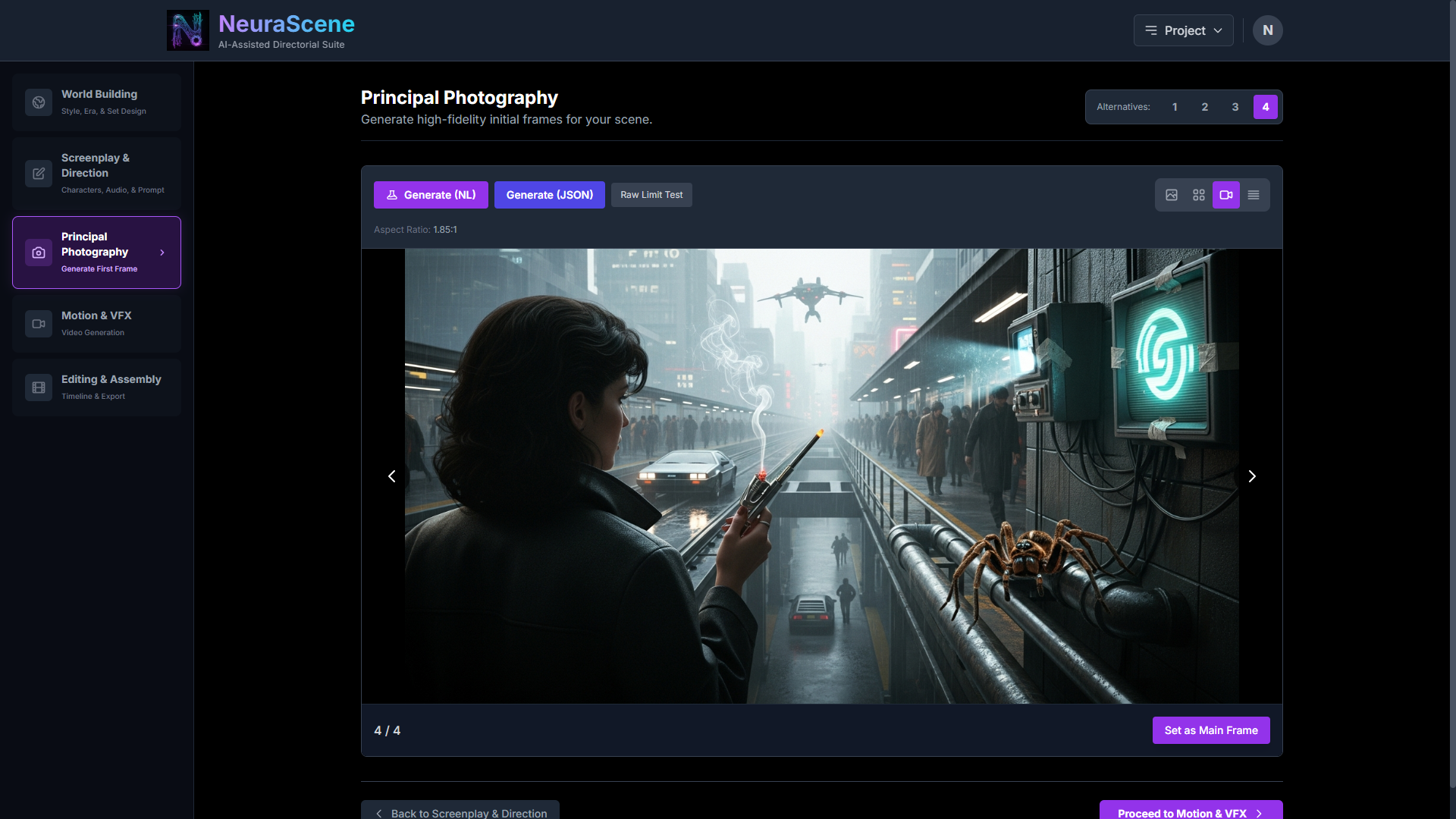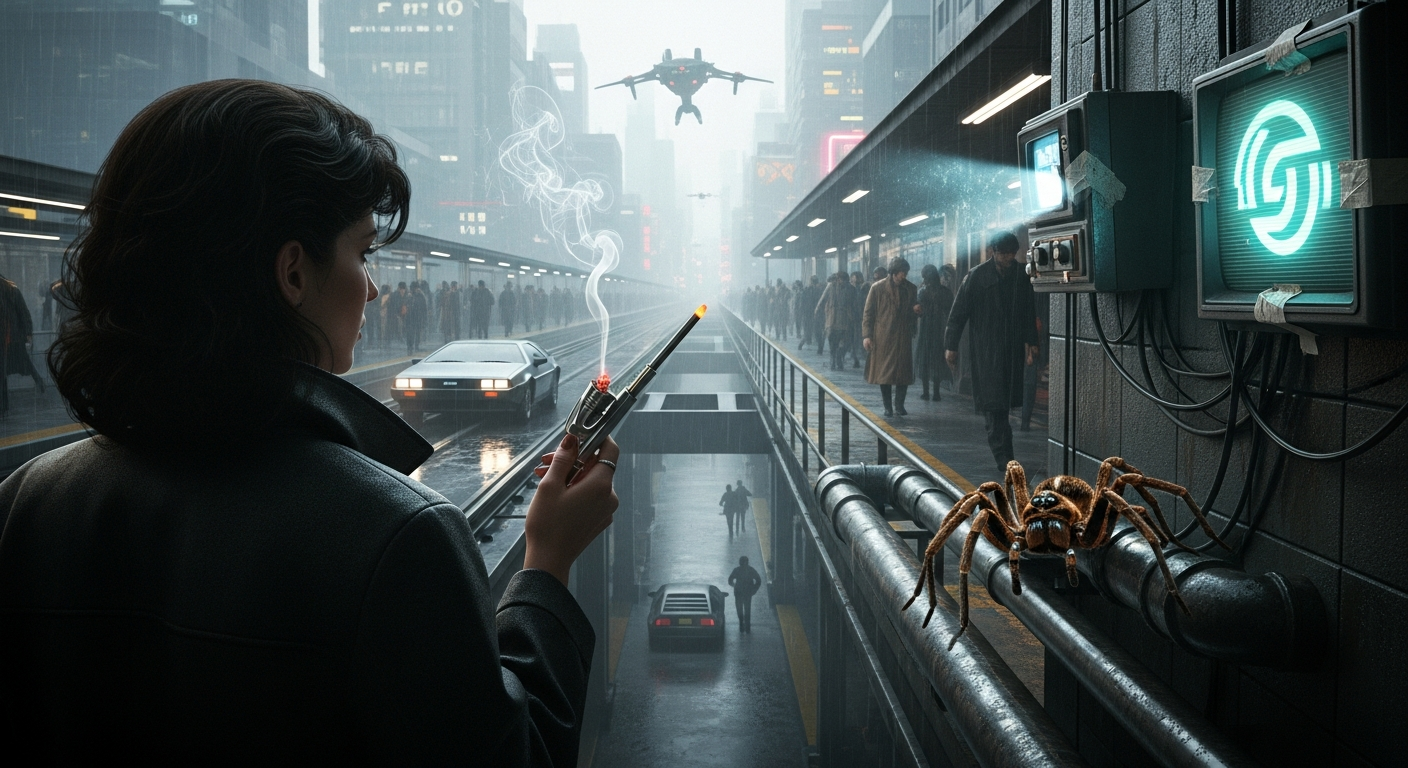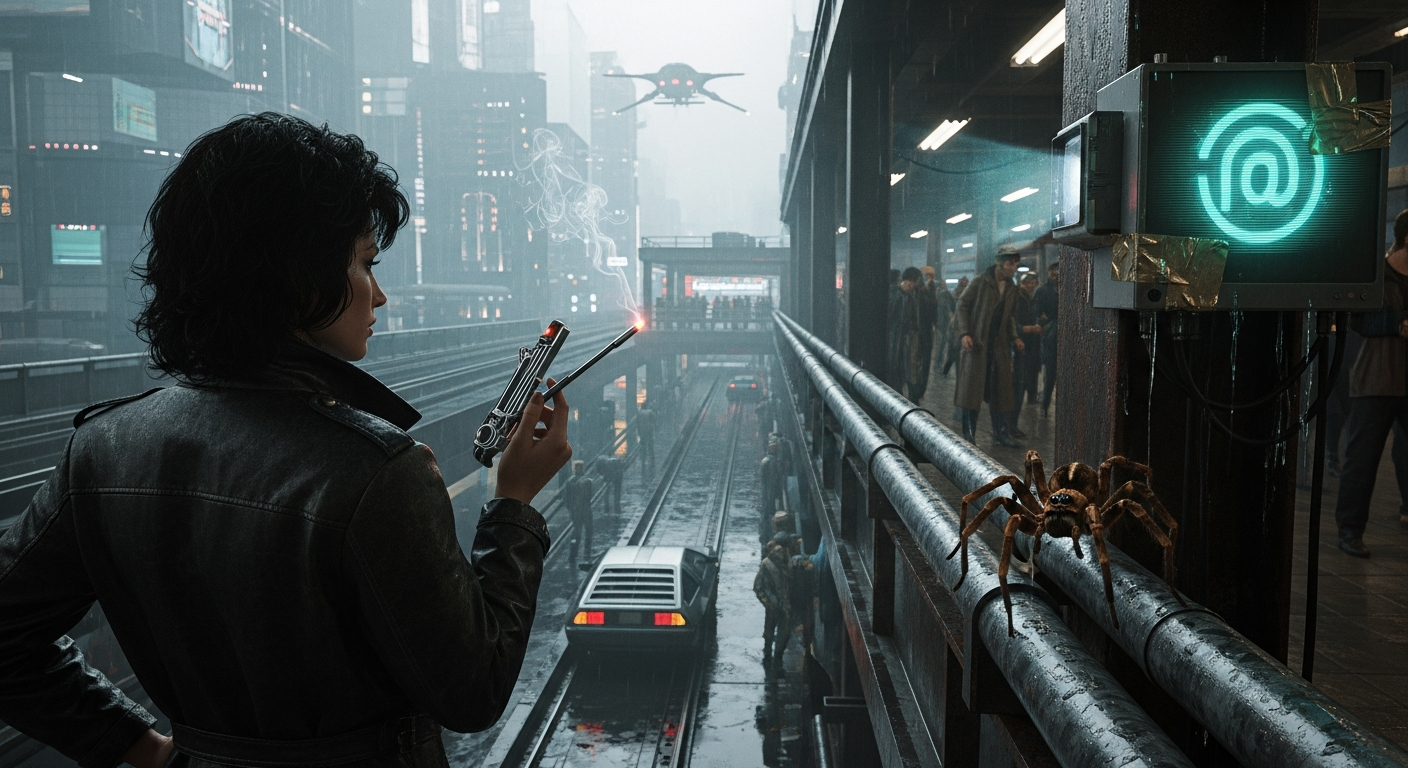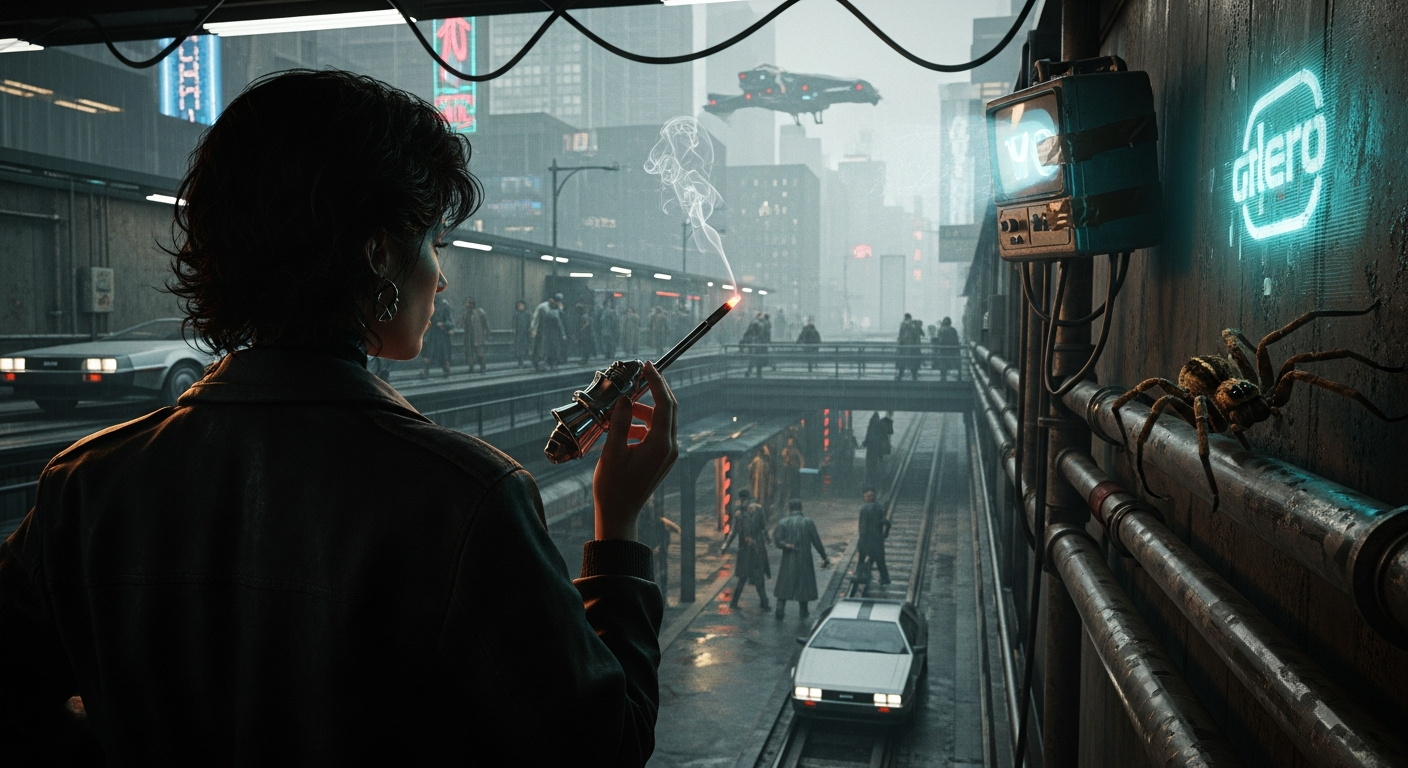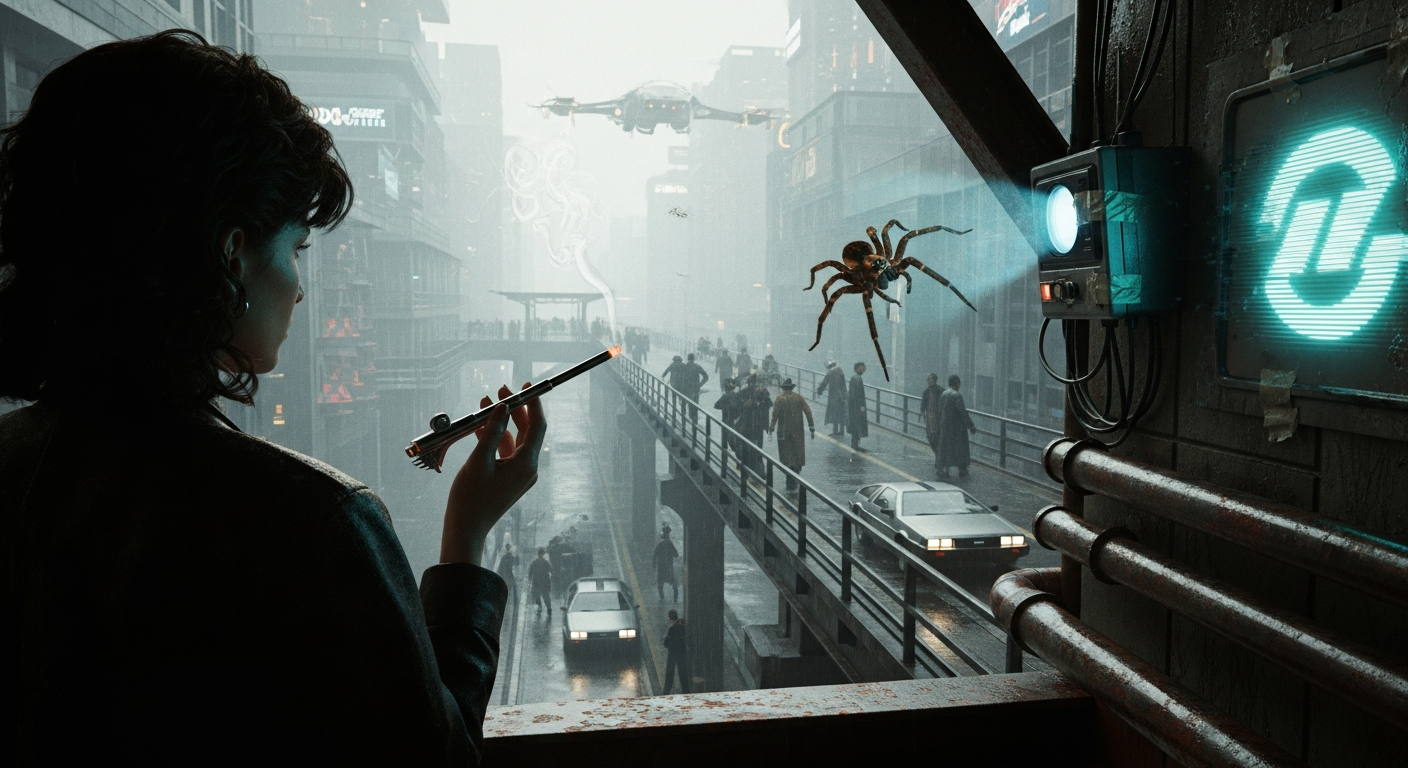
This screenshot workflow walkthrough really demonstrates the power of NeuraScene as a director's and advertiser's creative efficiency tool. No creative wants their imagination subverted or their creative process hijacked by automation.
That's not the objective.
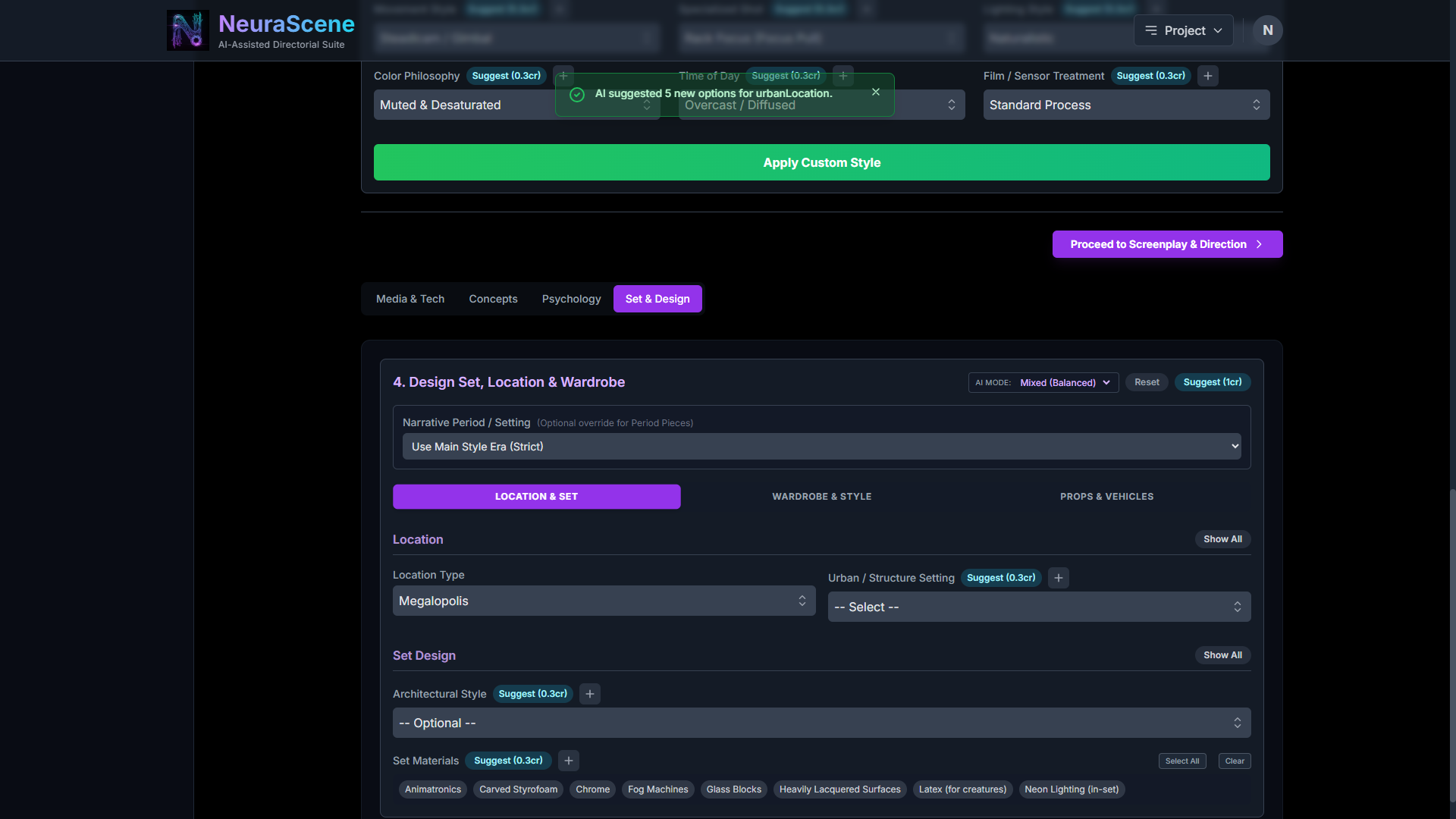
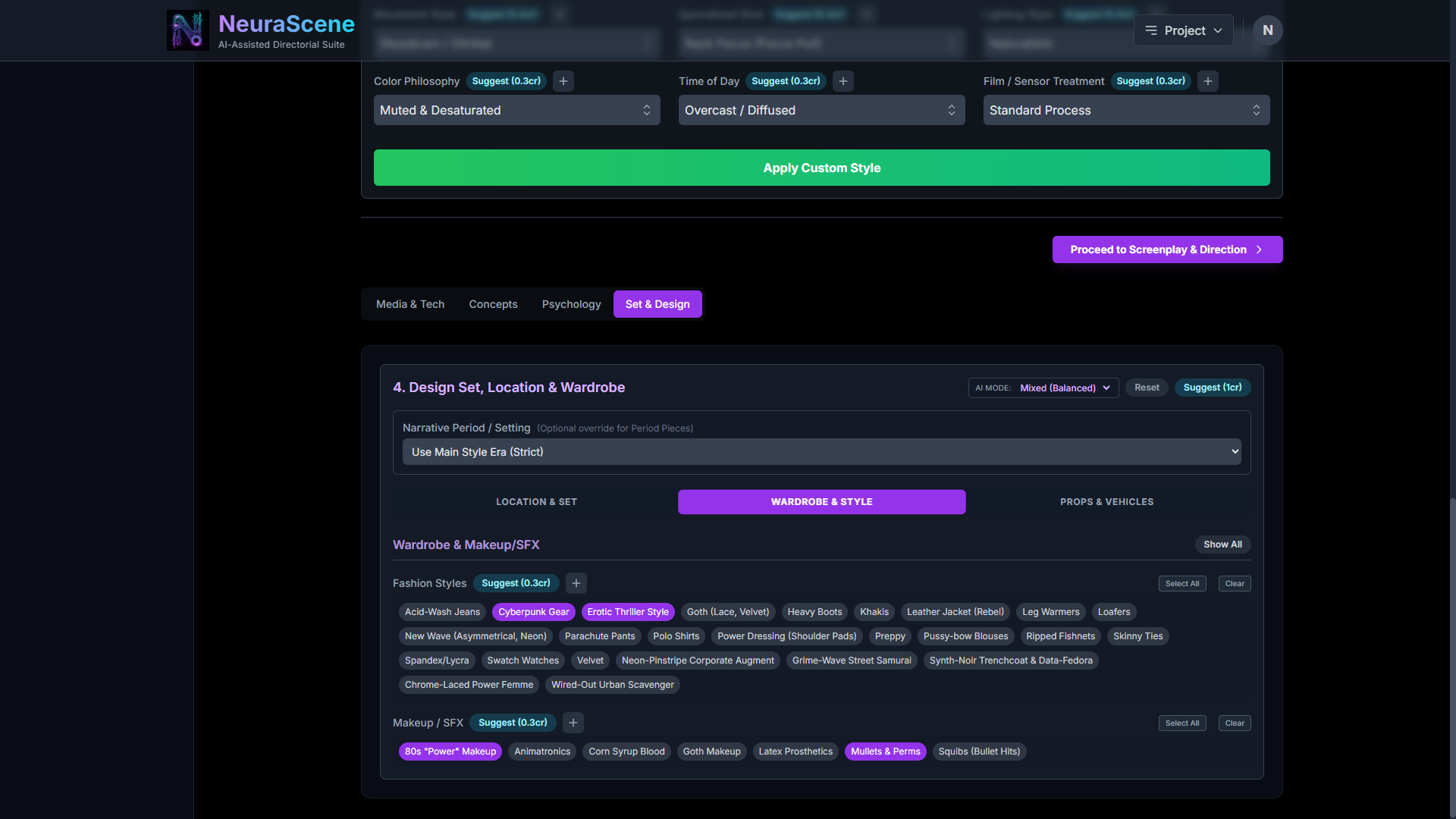
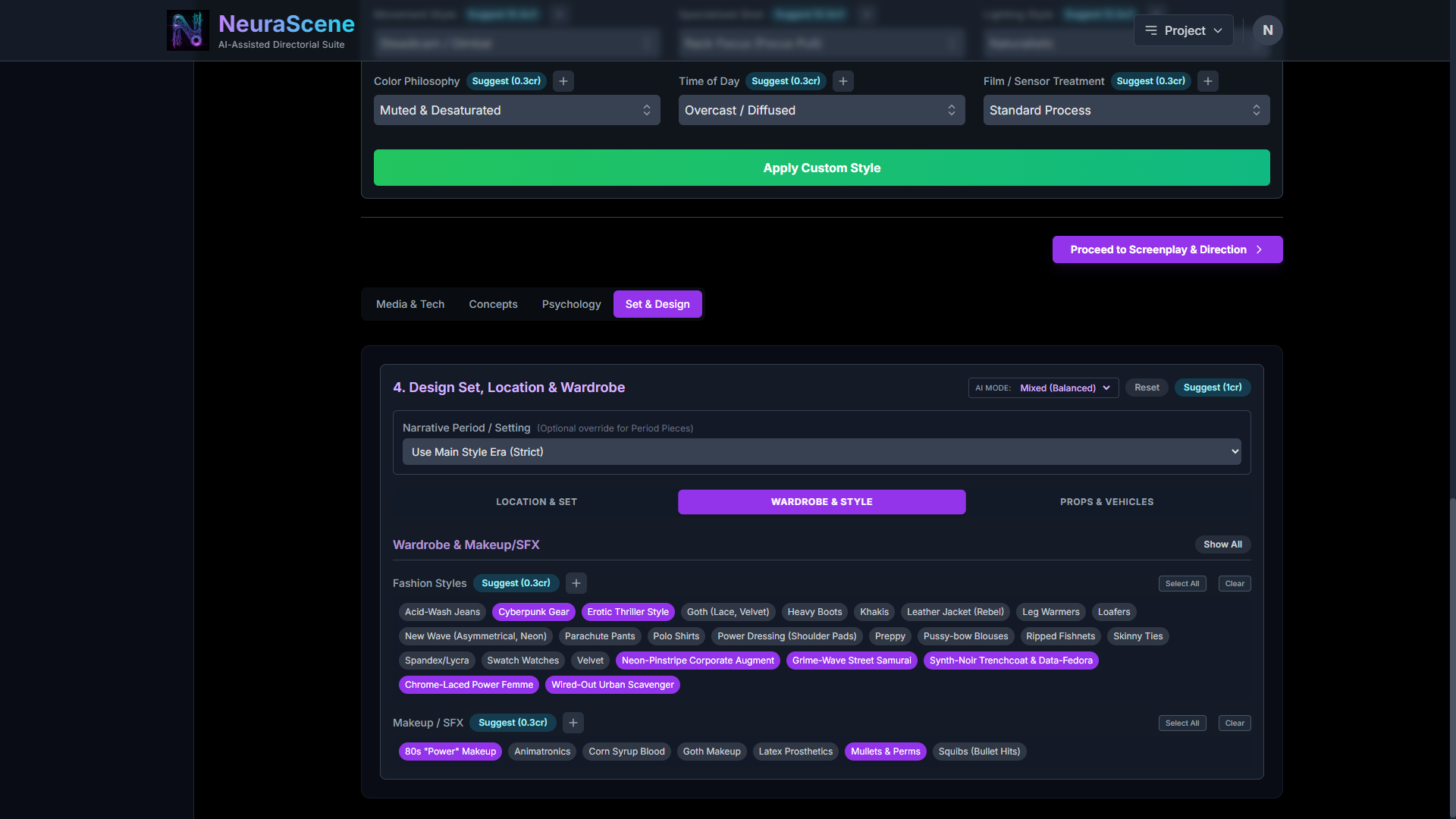
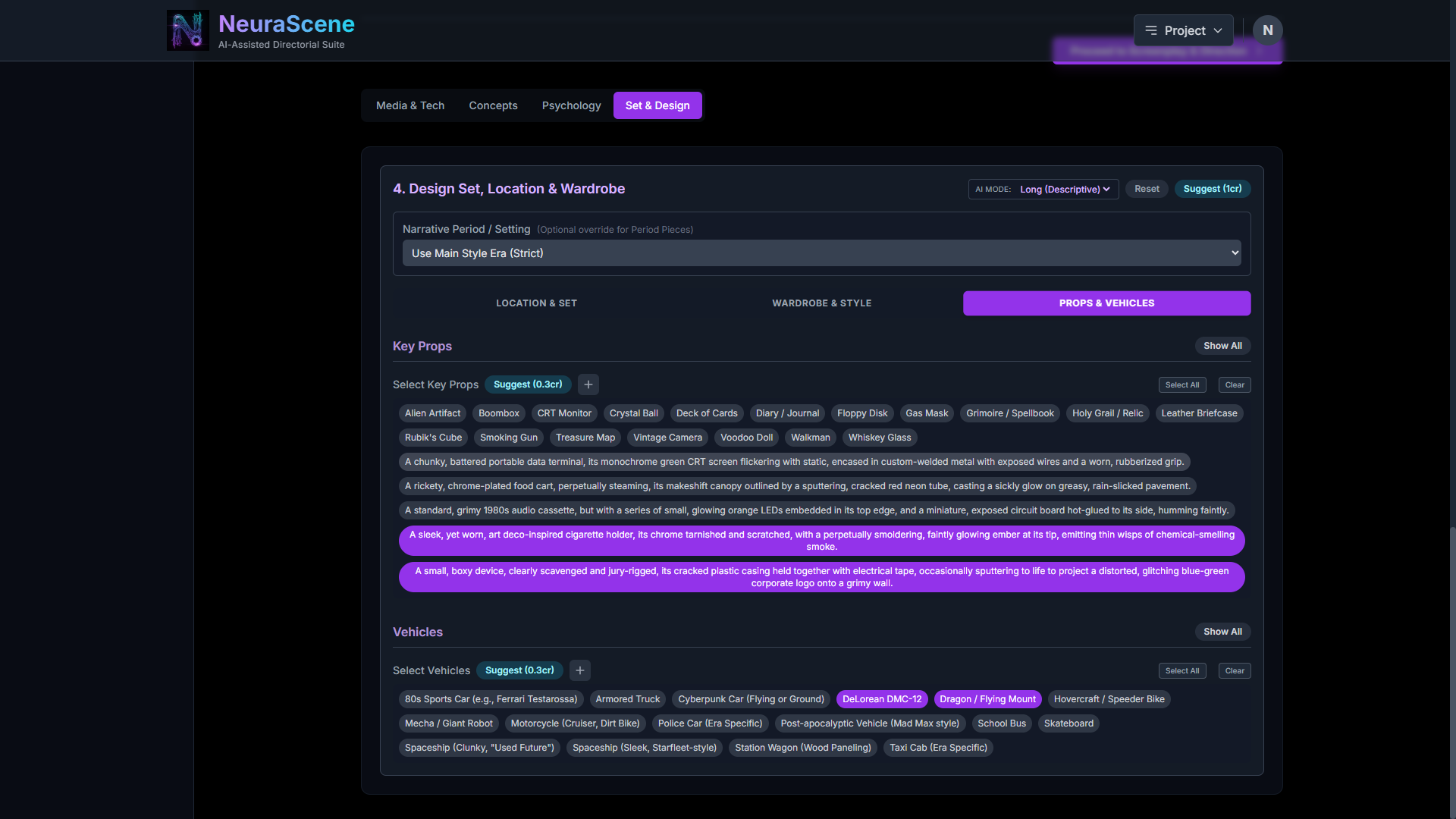
The property and feature AI suggestions are excellent for delivering a project faster but with pizazz and creative flare. Feeling uninspired and still have to get it done? Exhausted from days of hammering on the forge of creativity? The AI 'suggest' buttons are not only effective and inject a wealth of contextual aesthetic and genre information: they're a lot of fun:
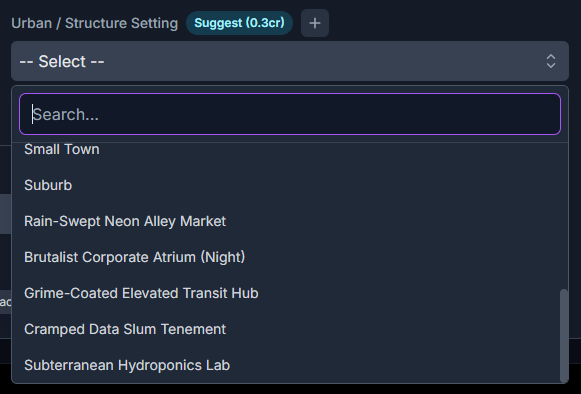
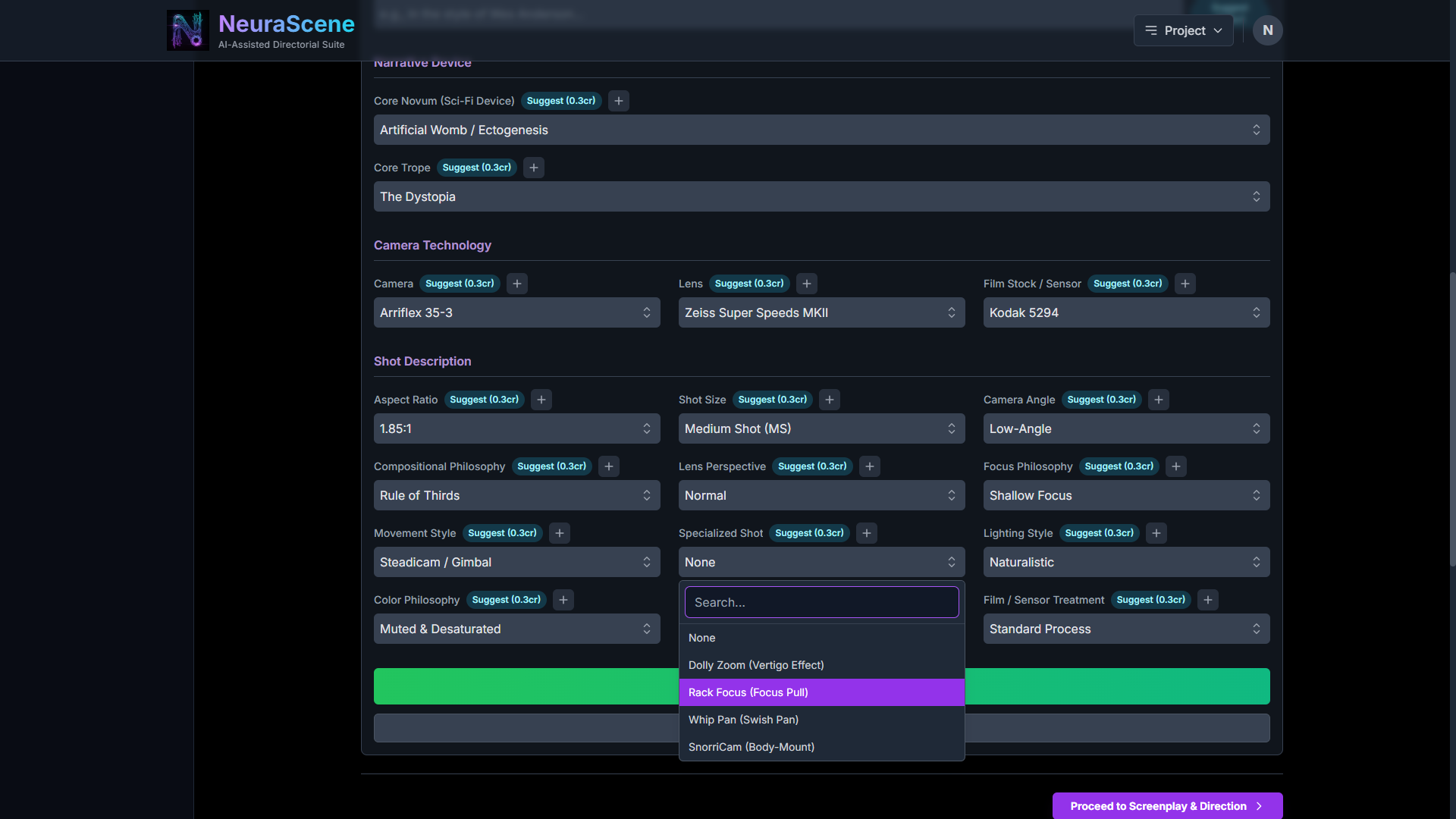
The five at options at bottom were added by the AI suggest button
Click: don't type. Let the AI engineer the prompt.
Personally I hate typing. NeuraScene is designed to allow you maximum typed prompt control if you need it, but also to allow you to not type at all.
Here's the entire walk-through...